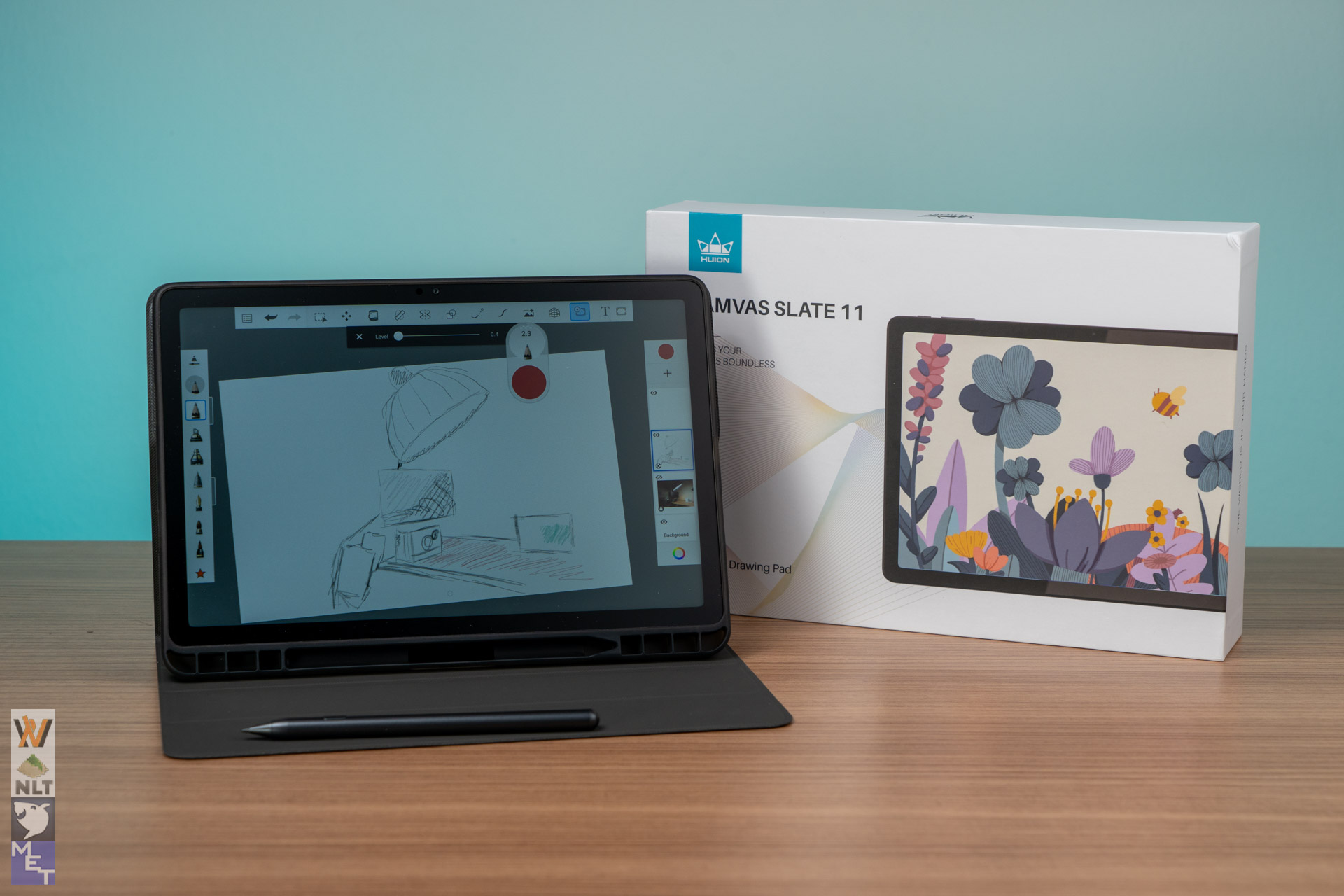
The Huion Kamvas Slate 11 is an affordable, all-in-one Android tablet made mainly for sketching, taking notes, and doing quick creative work when you’re out and about. It runs on Android 14 and comes with the Huion H-Pencil, trying to be a mix of a regular consumer tablet and a screen just for drawing. It is great because you don’t need a computer to make it work. An Android specific drawing tablet is a niche thing we don’t see everyday. It is easy to carry and feels well-built for the price, let’s dive in and learn about the tablet before you buy.
Design and Screen Quality
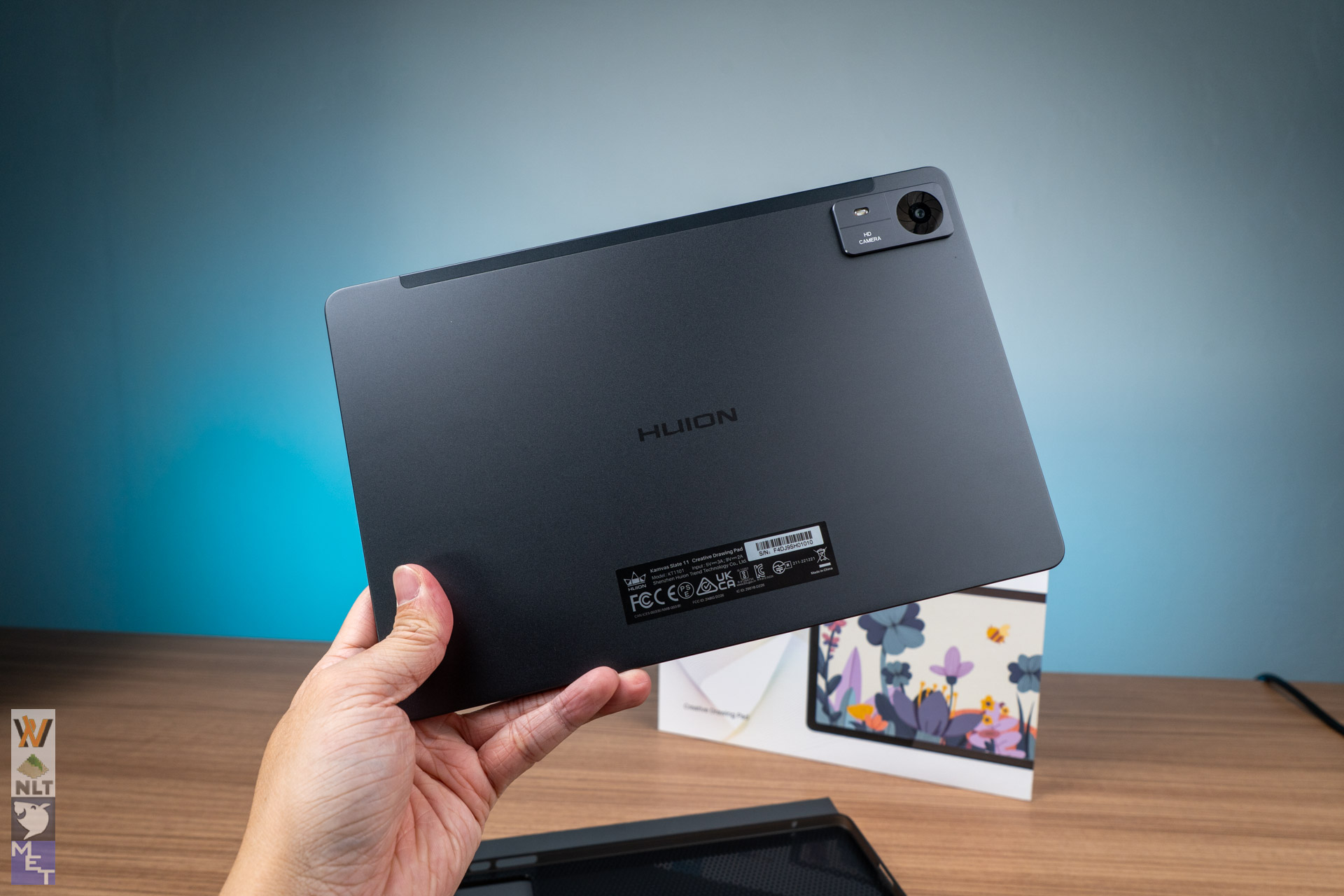
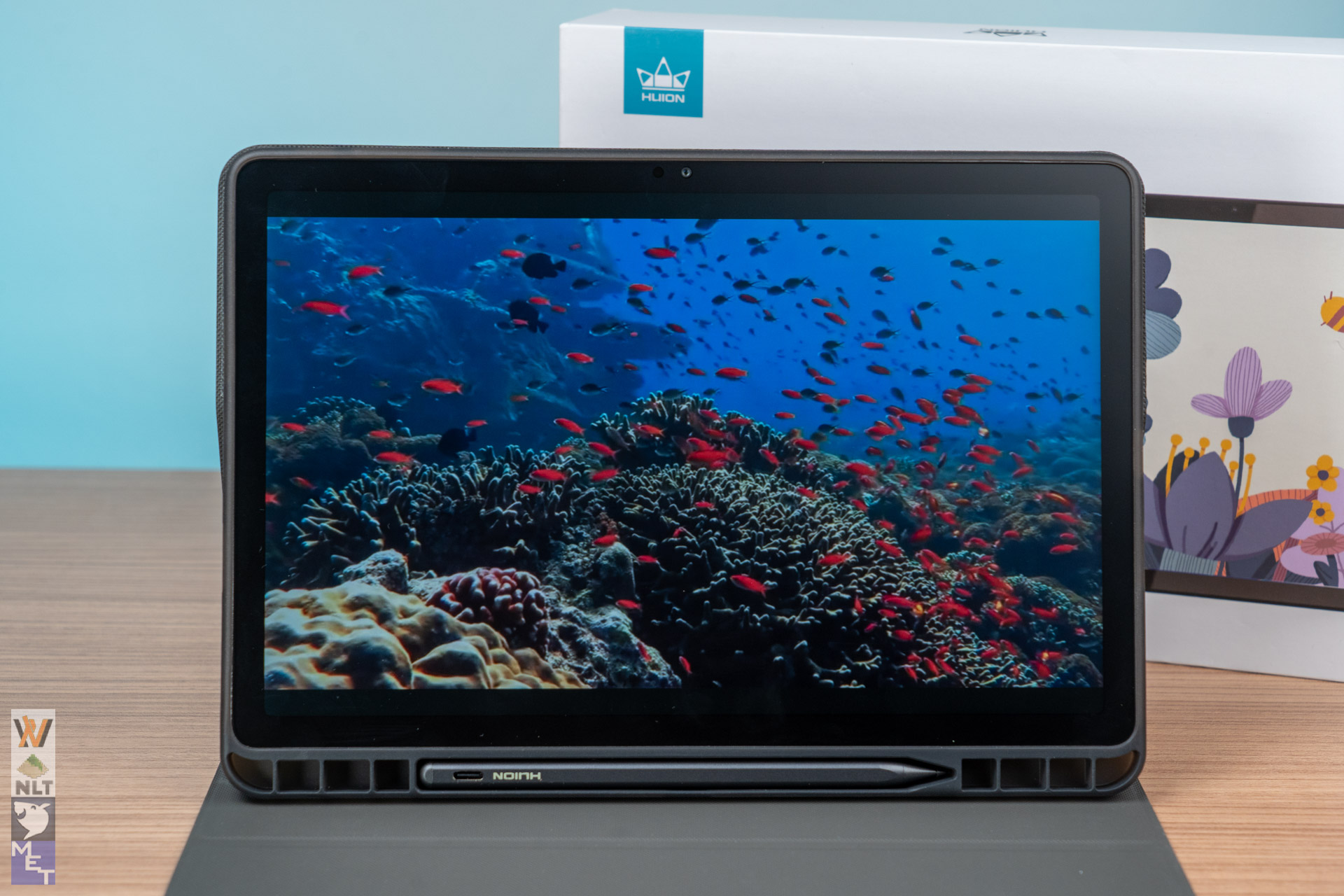
The Kamvas Slate 11 looks and feels premium with its sleek metal back, making it very easy to carry (it’s only 7.5mm thick and weighs just 500g).
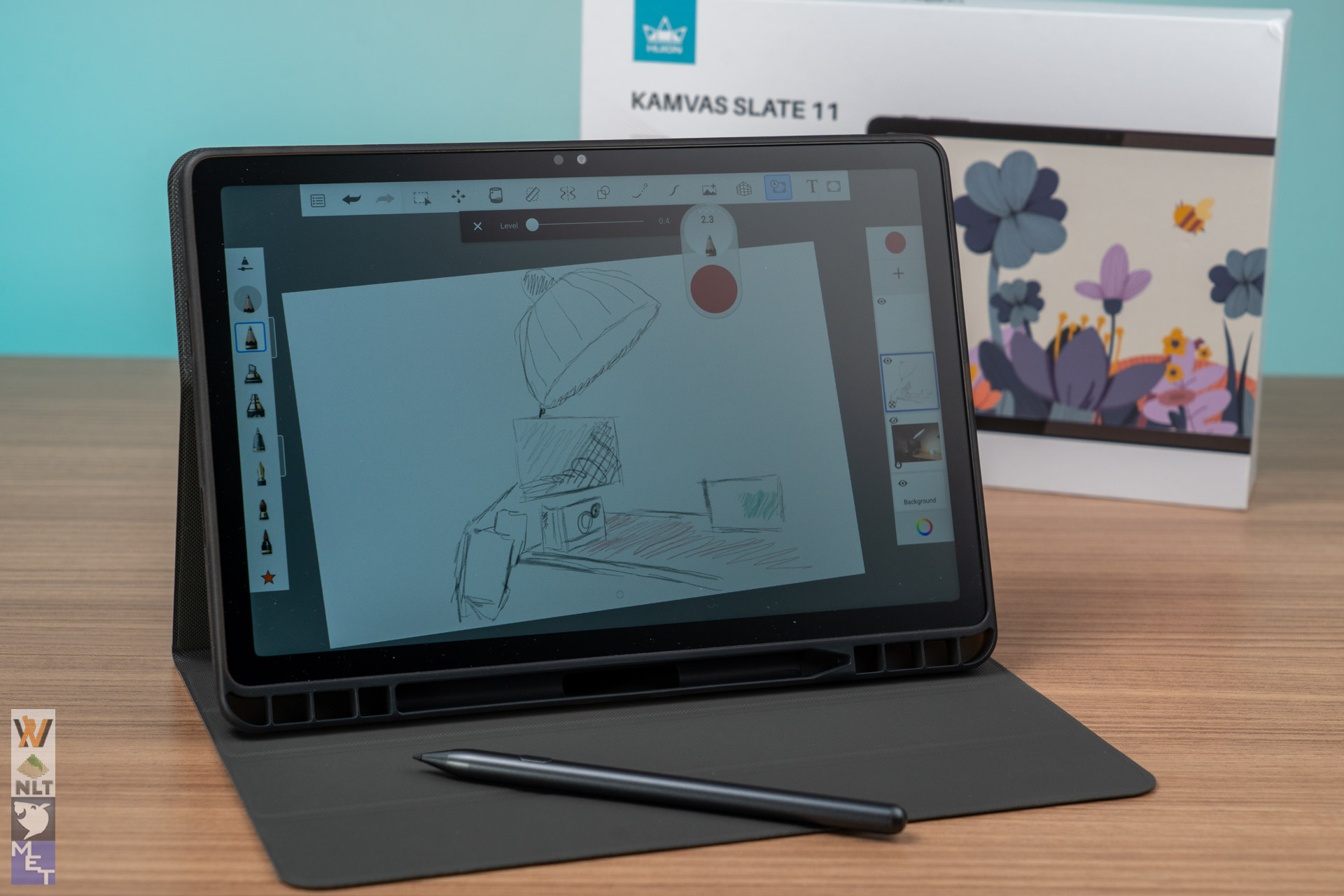
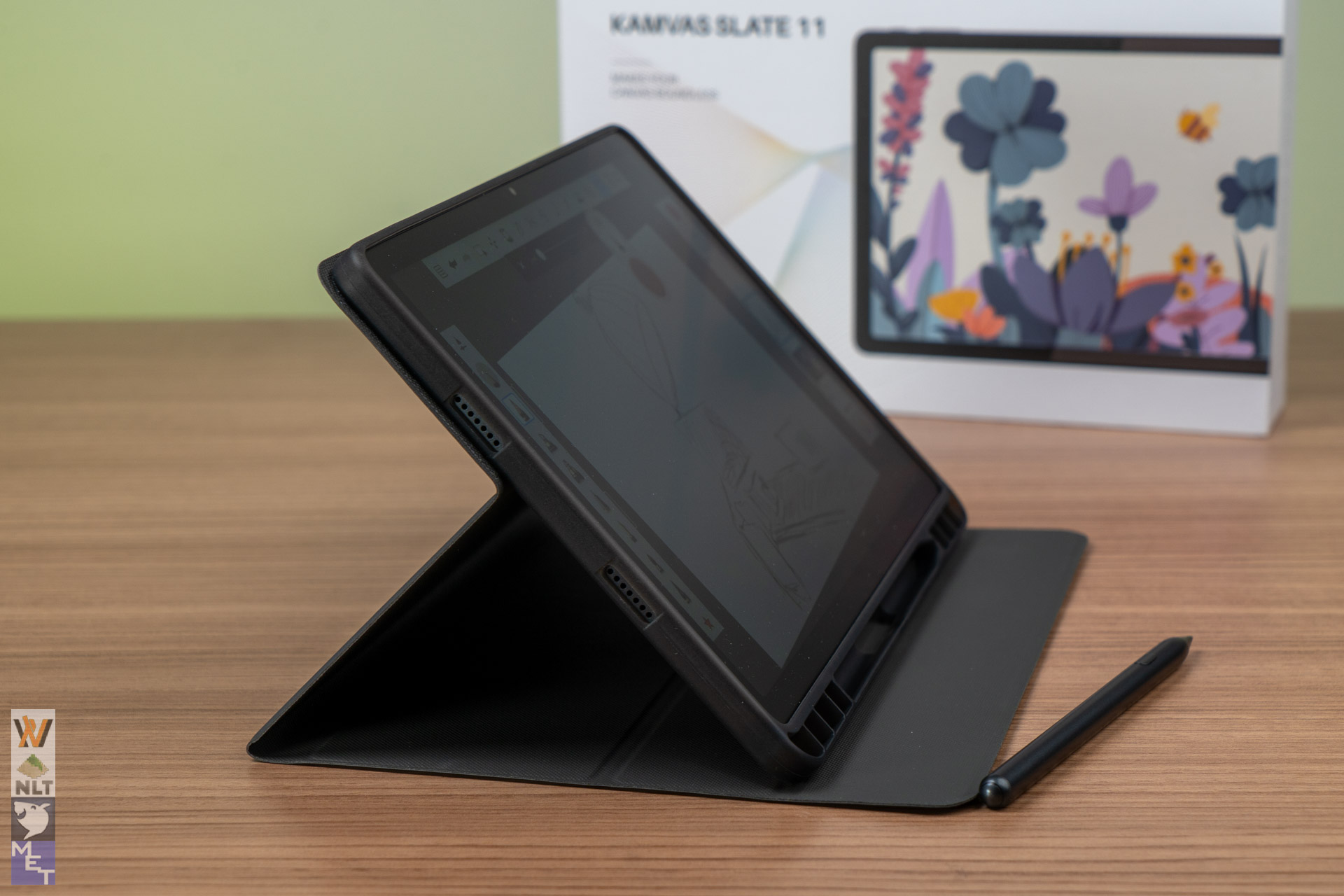
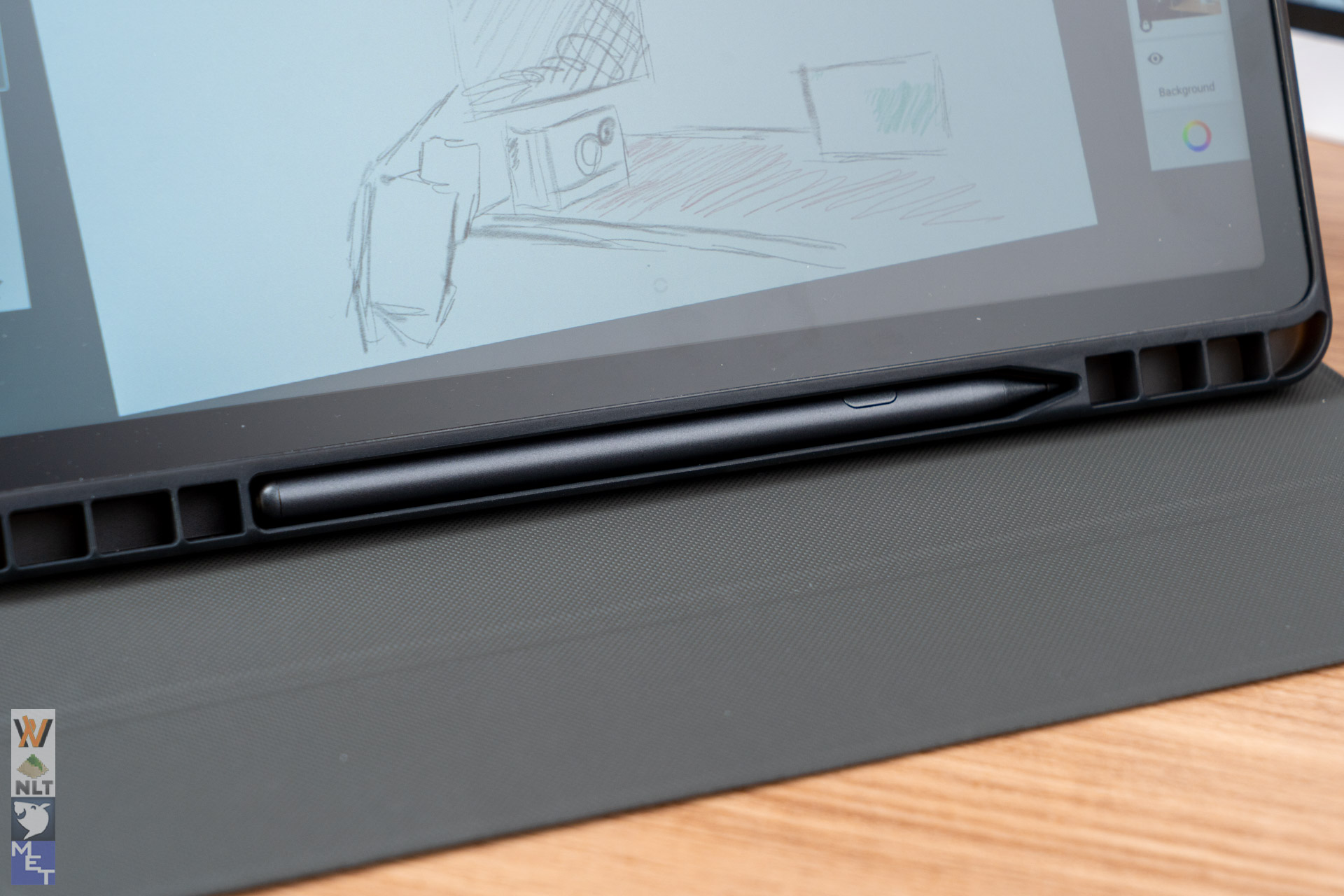
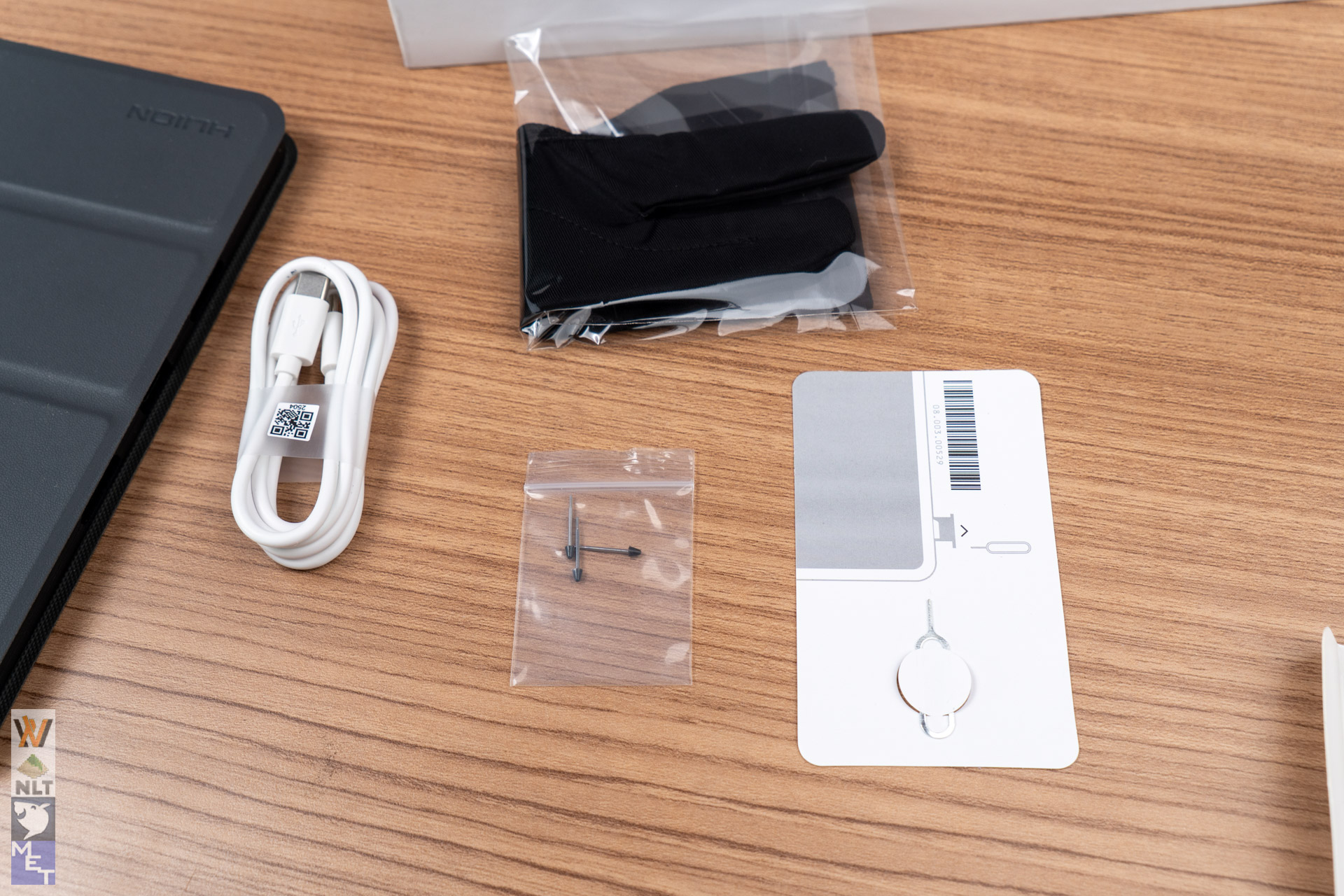
The package comes included with a folding case which also houses the Huion H-Pencil, well, given the fact that this device is extremely niche, there are practically no third party cases available for it. So Huion at least did some service to their customers with the inclusion of the case.
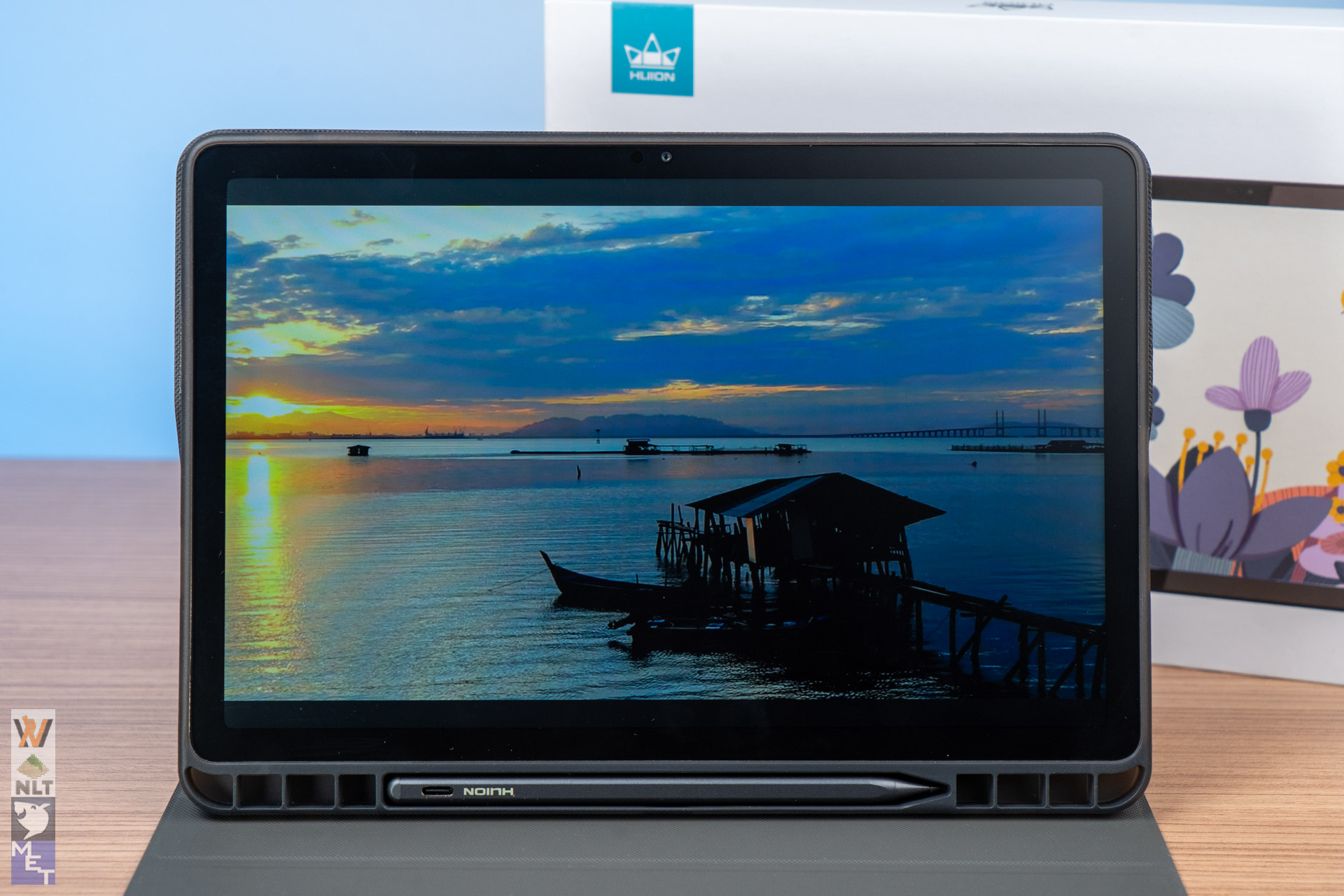
The 10.95-inch Full HD+ screen has 90Hz refresh rate. While it may not be 120Hz, the actual user experience of using 90Hz is vastly improved from the conventional 60Hz panels. This higher refresh rate makes everything – scrolling, animations, and your actual brush strokes – look smoother than on the screen.
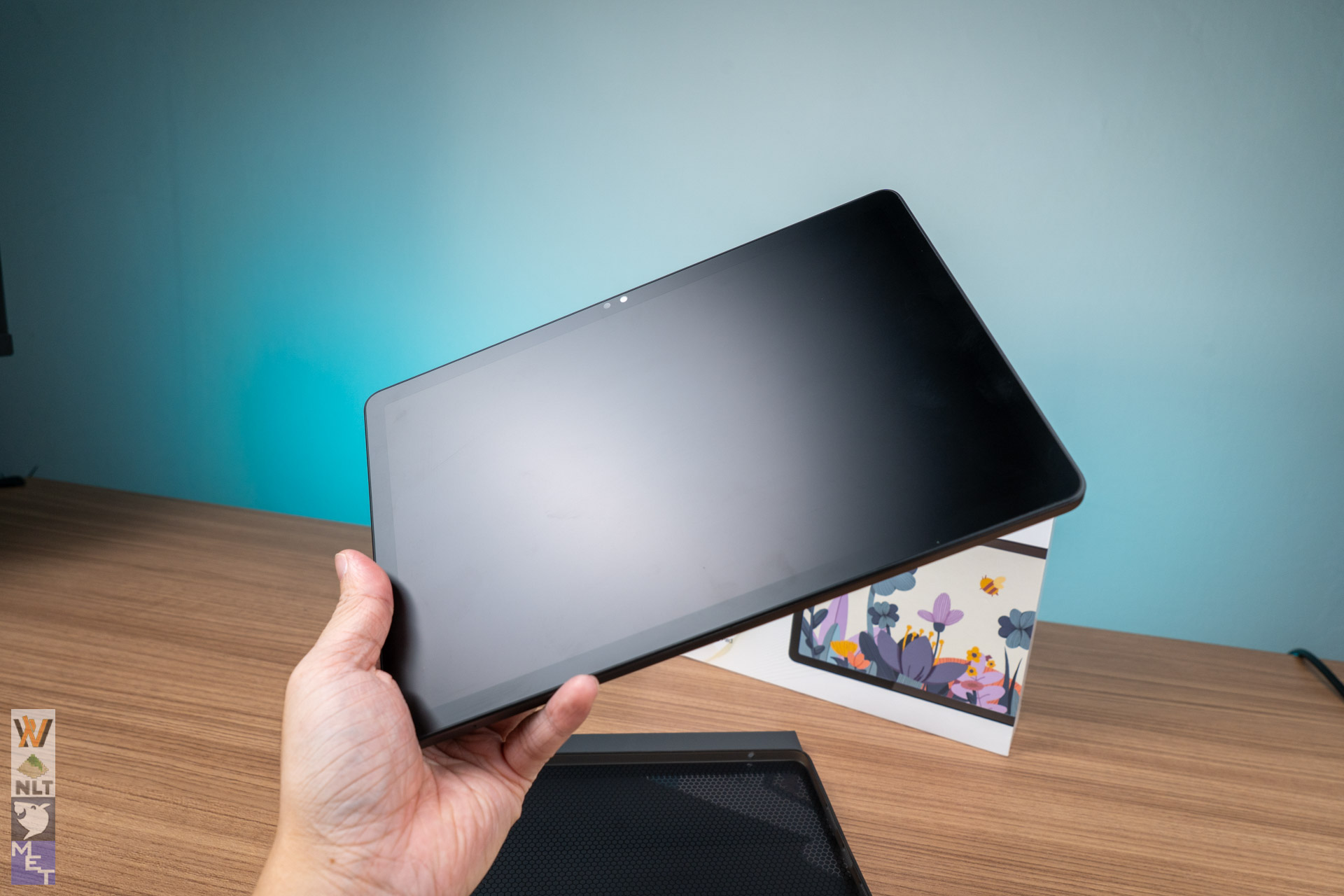
A major plus is that the screen is fully sealed and has a special matte Nano-etched surface. This matte finish stops bright lights from causing too much glare and gives your pen a tactile, paper-like feeling as you draw. The downside is you can’t use any screen protector on it or else it defeats the purpose of it. Besides, if you were to force apply another layer of matte screen protector on it, the display quality & colour representation might deteriorate further.
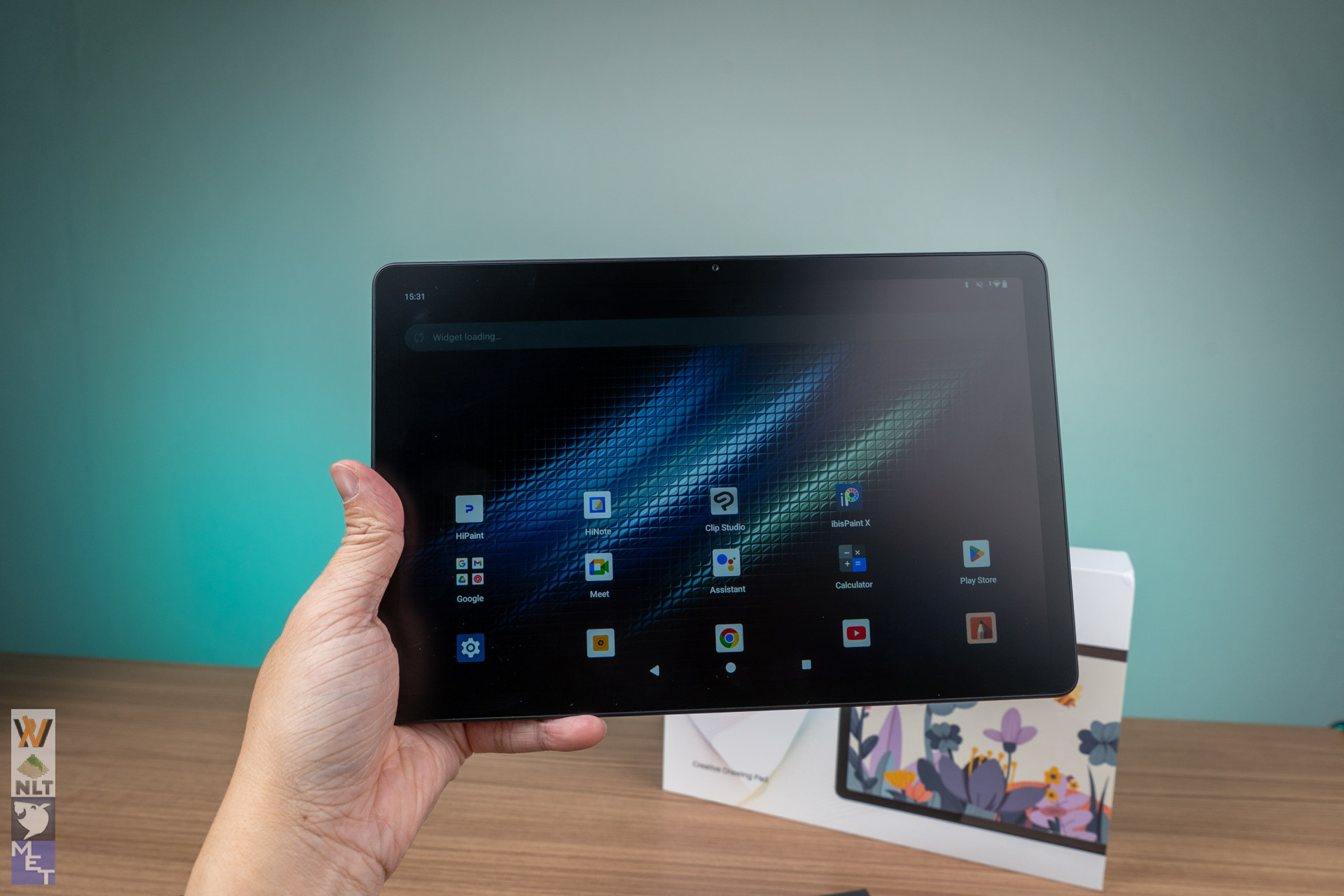
At 350 nits, the screen isn’t very bright, so it might not be that suitable for nature artists who need to draw while trekking in the wild. For indoor usage it is perfectly fine.
The Pen (H-Pencil) and Drawing
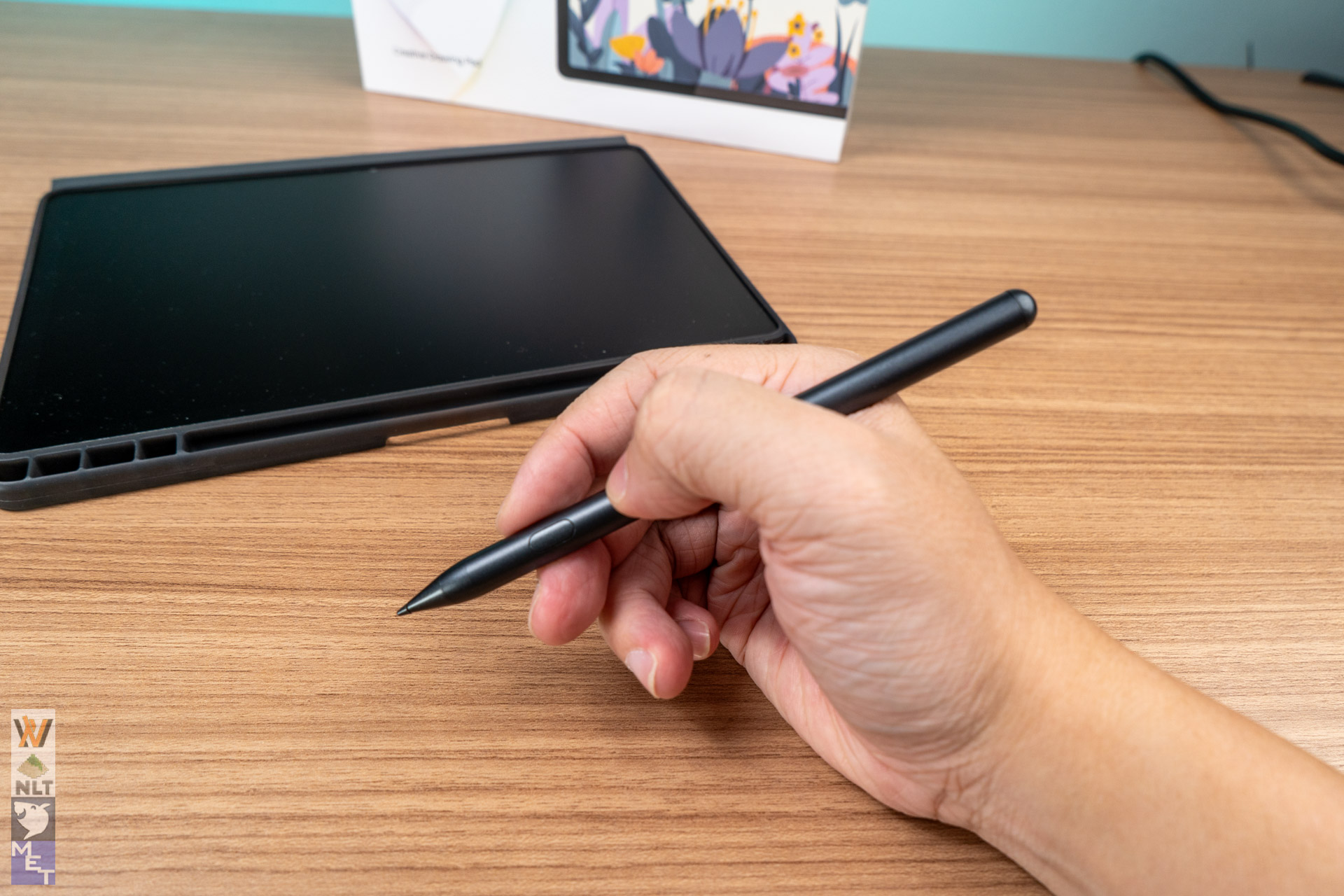
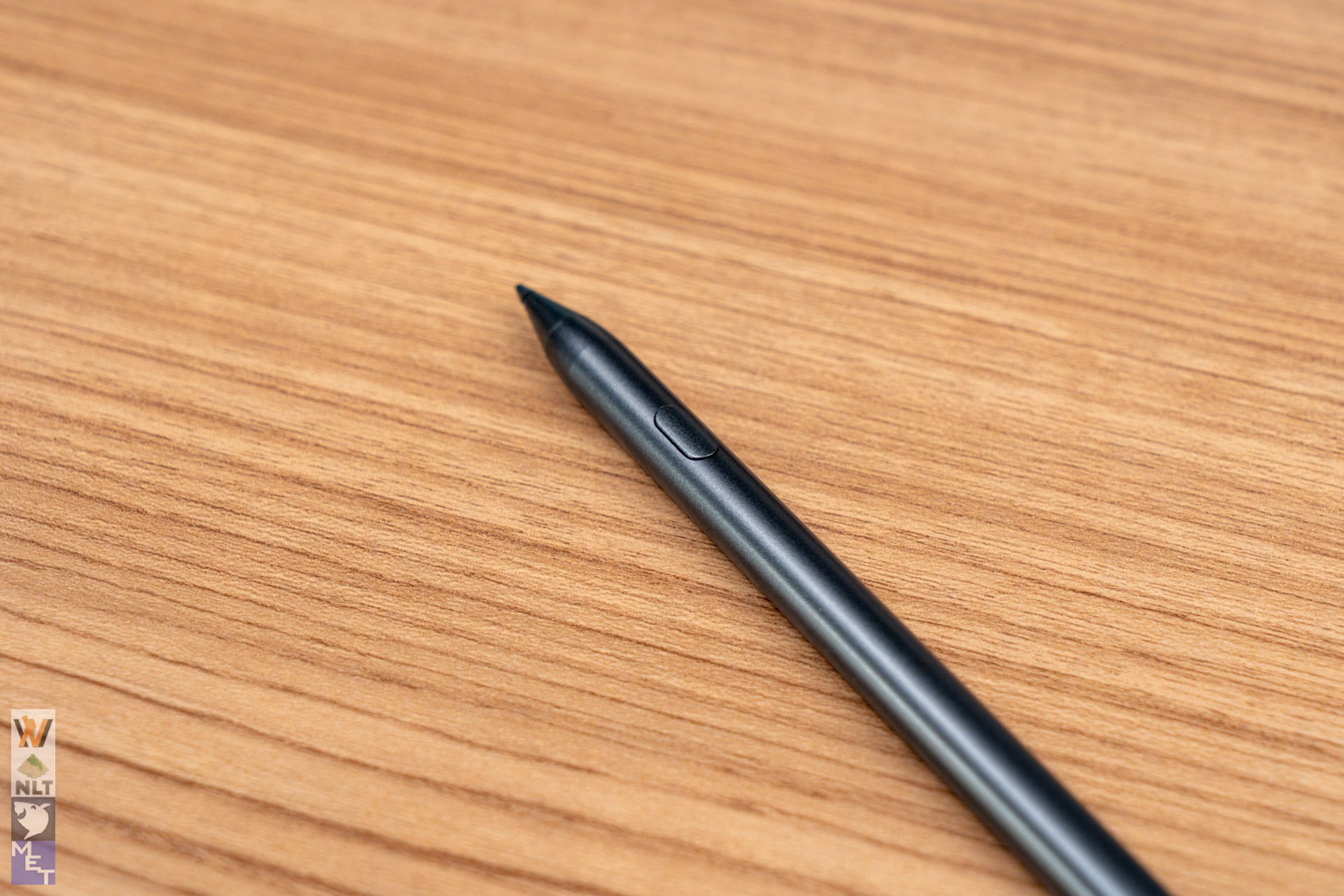
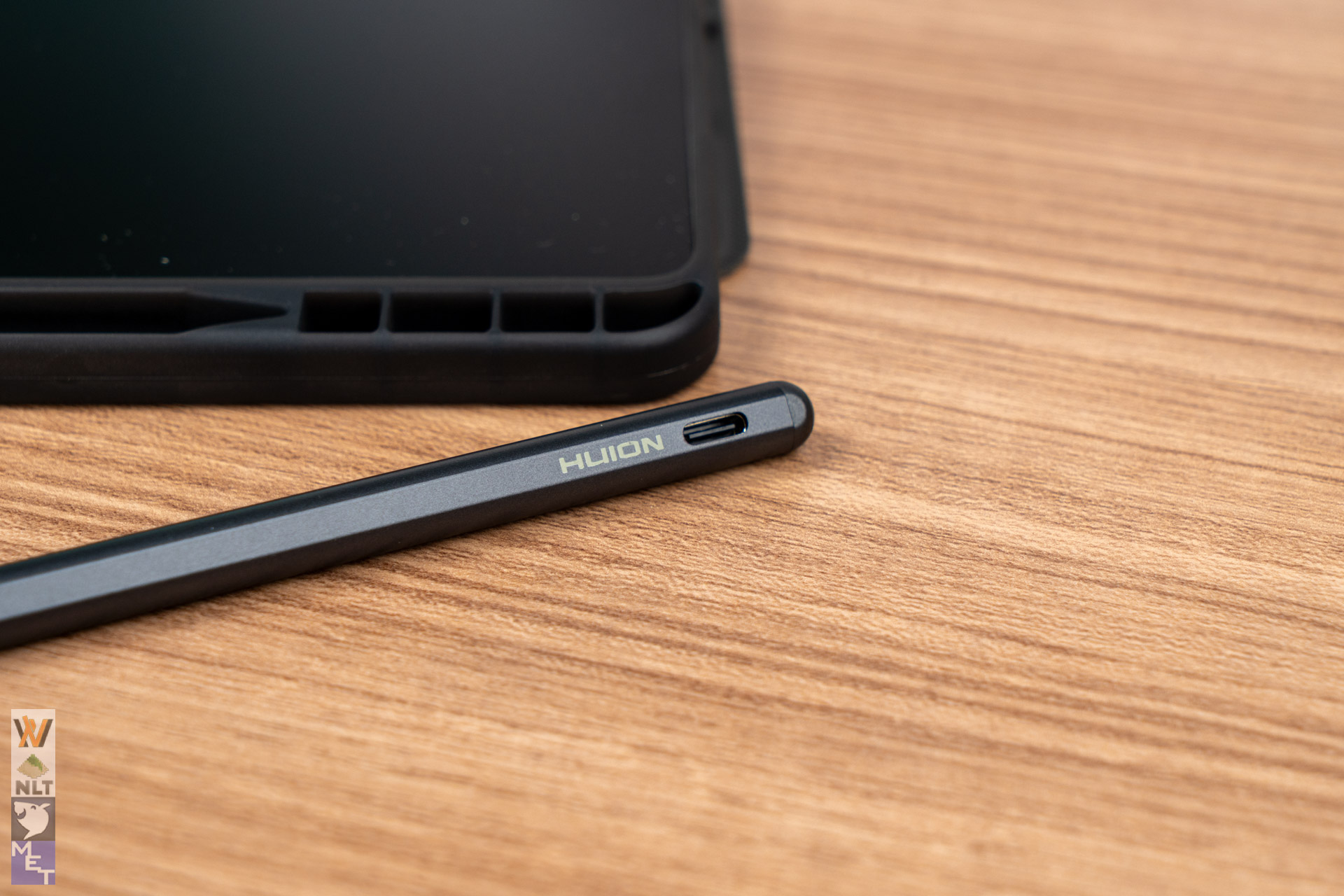
The included Huion H-Pencil feels nice to hold. It can sense 4096 levels of pressure and has 60-degree tilt recognition (meaning it knows when you shade). Since this is an active stylus, you will need to charge it via the USB-C port at the end of the pencil.
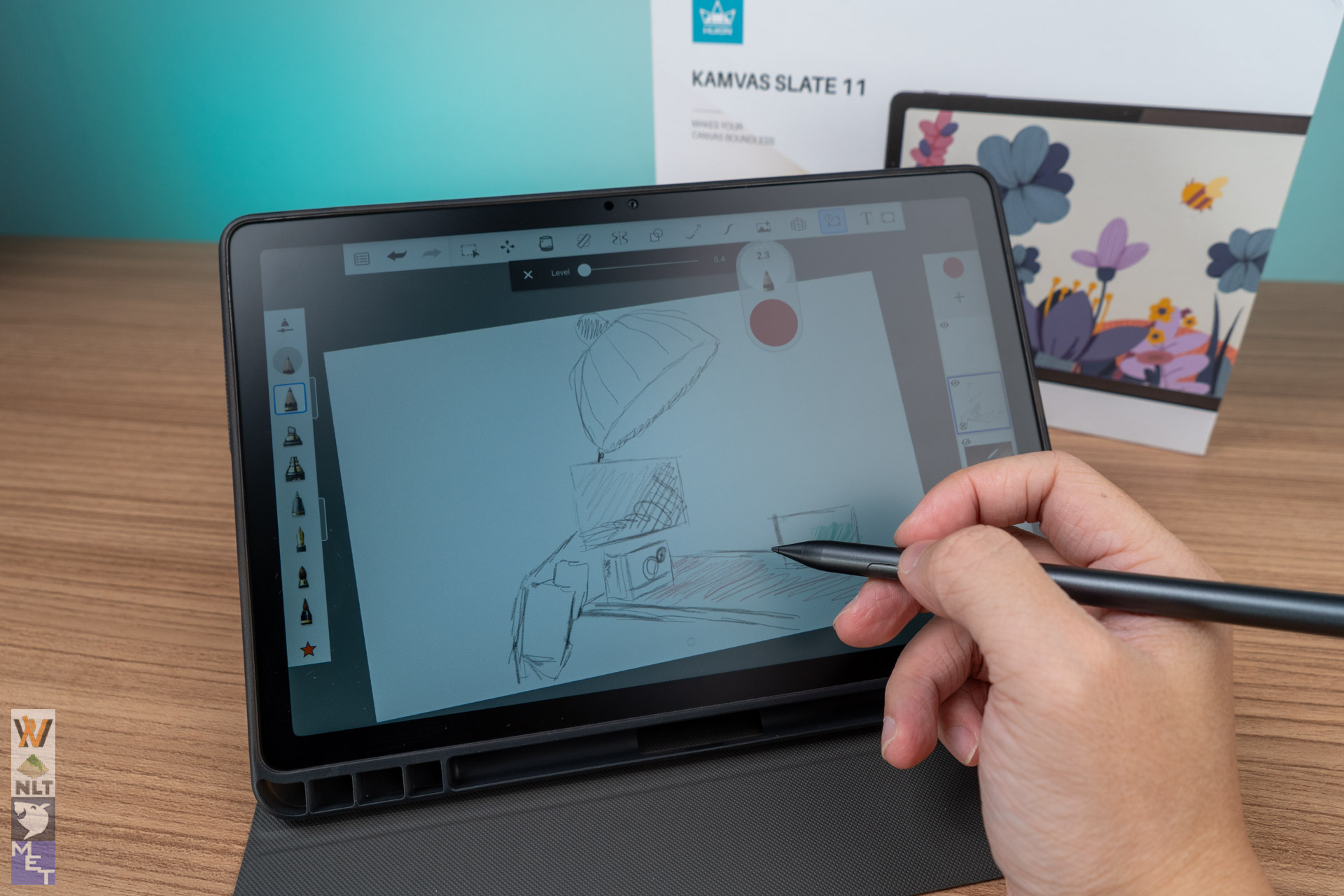
While you may read some other reviewers mentioning how the H-Pencil has high initial activation force (IAF) and palm rejection issues. I can assure you these are mostly cause by the drawing app you use. The default painting app – HiPaint – is just not up to the standards. I would strongly suggest you try Sketchbook. No, I am not sponsored by them, but having tried so many drawing apps, I find it to be the most impressive free option. For those who are used to Apple Pencil and Samsung S Pen, the H-Pencil’s higher latency left something to be desired.
Power, Apps, and Battery Life
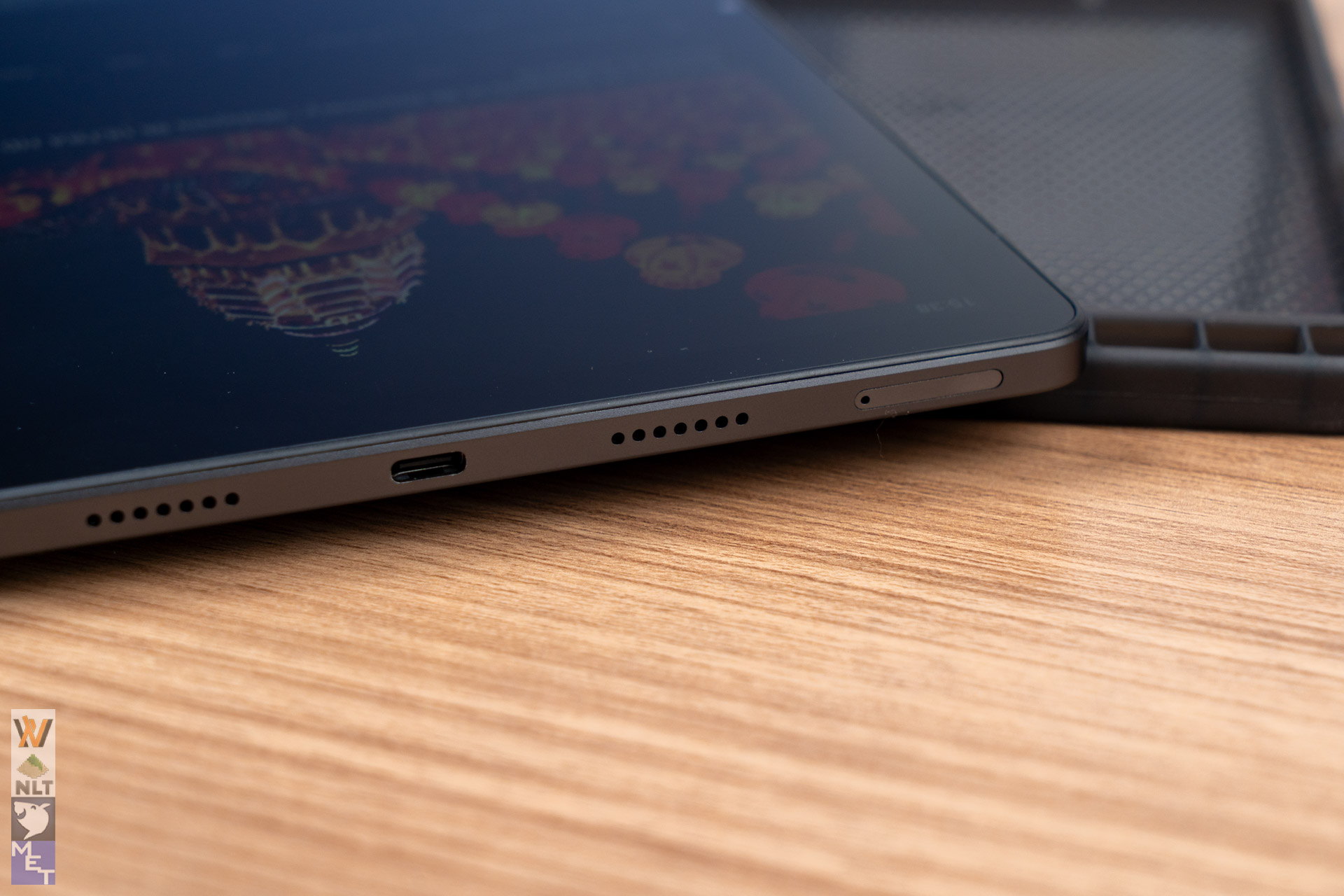
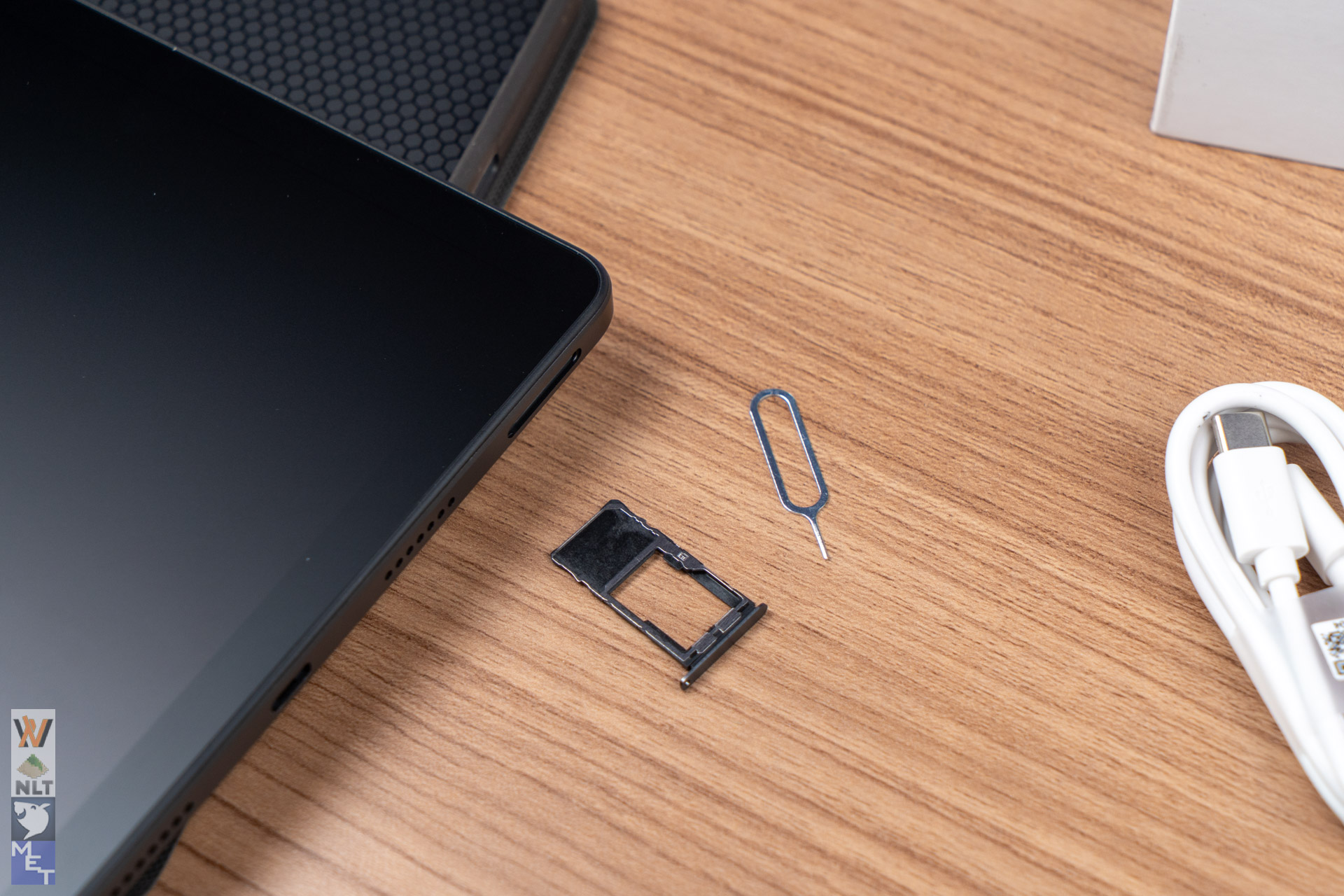
The tablet uses the MediaTek Helio G99 processor, which was first released in 2022. While technically an older chip, it is paired with a good amount of memory (8GB of RAM) and storage (128GB, which you can expand up to 1TB with a Micro-SD card). This is powerful enough for everyday tasks, multitasking, and running popular Android drawing apps. Even though you might notice some slowness if you work on huge canvases with tons of layers. It is perfectly sufficient for its mid-range price point and the tablet’s focus on portable sketching.
The big 8,000mAh battery lasts a long time, giving you about 9–10 hours of drawing and general use, which is very solid for a day out. Since it runs Android 14, you can use the split-screen feature to easily manage two apps at once, making it a useful mobile device for more than just art.
Final Thoughts
The Huion Kamvas Slate 11 is a fantastic choice for a specific group of people: the art student, the casual hobbyist, or anyone who wants a cheap, portable device just for sketching. It offers great features like a smooth 90Hz screen and a paper-like surface at a price that’s hard to beat. That is if you could accept the slightly higher pen latency. If you’re very particular with those details, you might need to stick with the conventional drawing tablet that is directly connected to a computer. But if you want a lot of value for sketching on the go, the Kamvas Slate 11 is a strong contender.
Learn more about the Huion Kamvas Slate 11: https://www.huion.com/products/pen_computer/KamvasSlate/kamvas-slate-11.html