One rare breed of laptops in the market is a thin and light build with great performance. And surprisingly, this Gigabyte Aero X16 is actually fulfilling those criteria quite well.
Measuring less than 2cm thin and also weighing about 1.9kg, this laptop is easy to carry around yet is packed with an AMD Ryzen AI 7 350 processor and NVIDIA GeForce RTX 5070 Laptop GPU with some upgrade path provided, I think it’s very worth the price of RM7,299. Don’t be scared about the price tag; there is another variant at a lower price as well, which I think is also a good choice.
Design
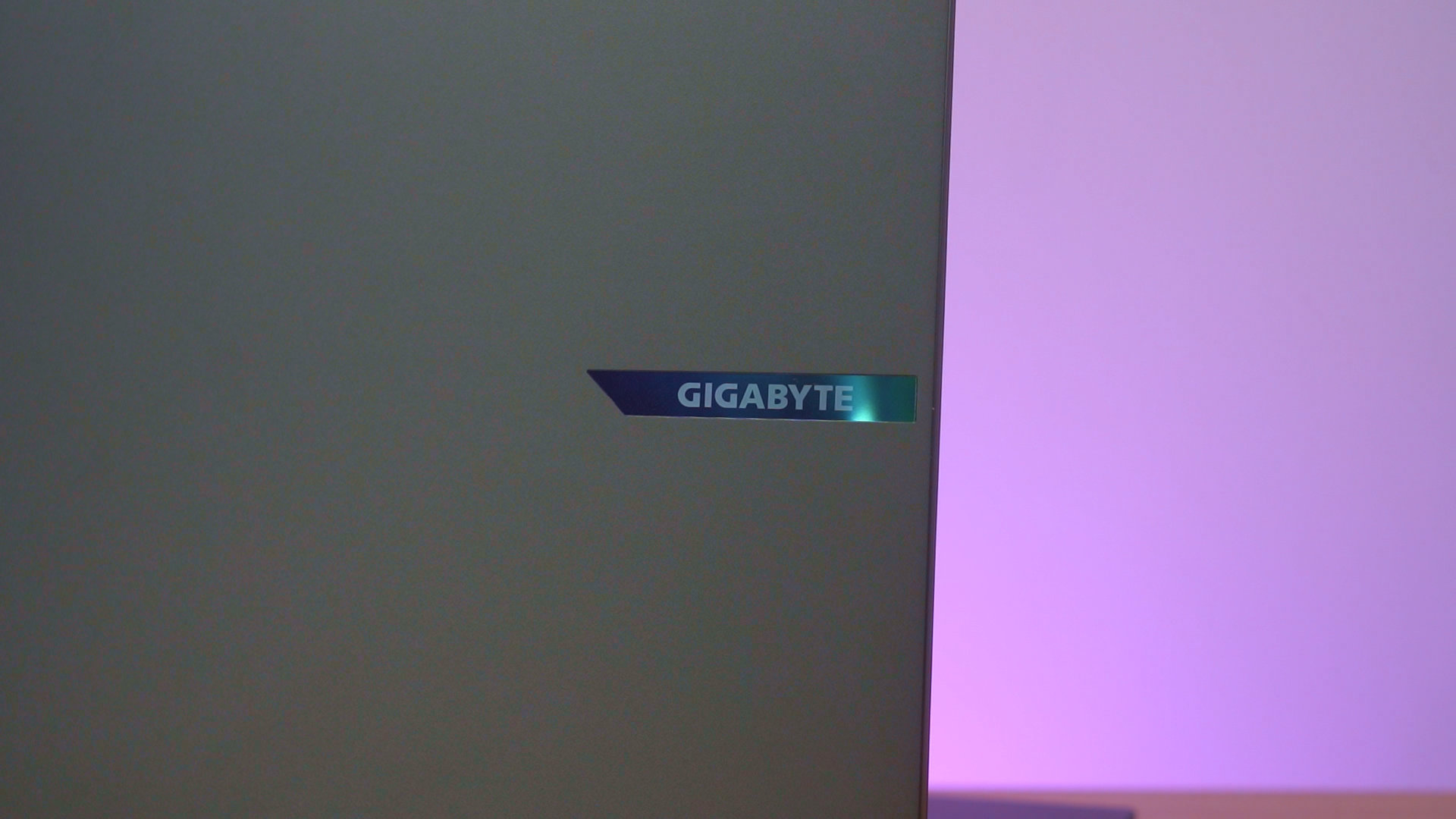
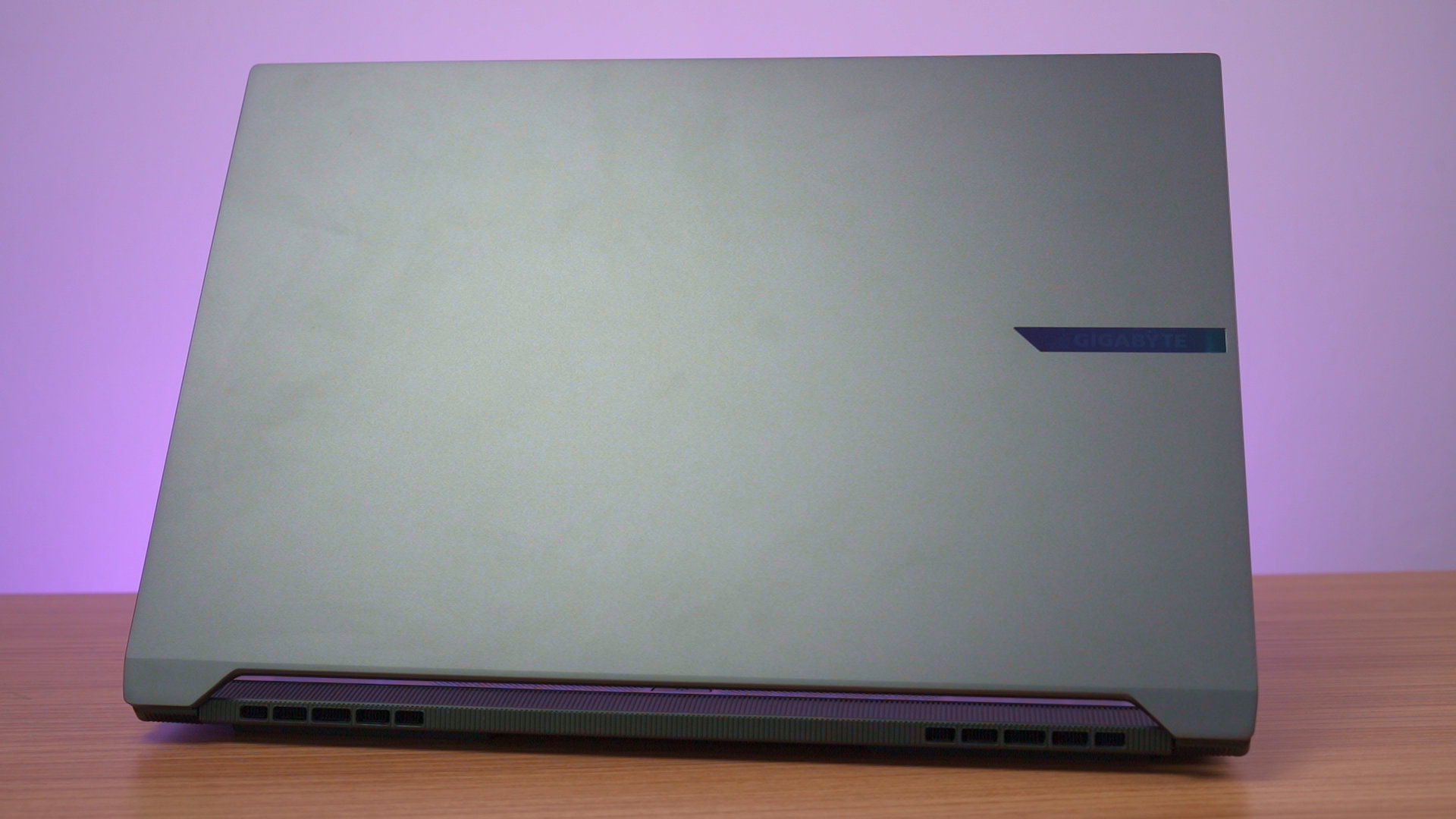
This laptop is really minimalist in terms of design, and I like it that way. The lid has a tiny Gigabyte logo at the edge that is also iridescent and nothing else. If you want to customize your laptop with some stickers and whatnot, then this is the perfect canvas to do so.
Screen
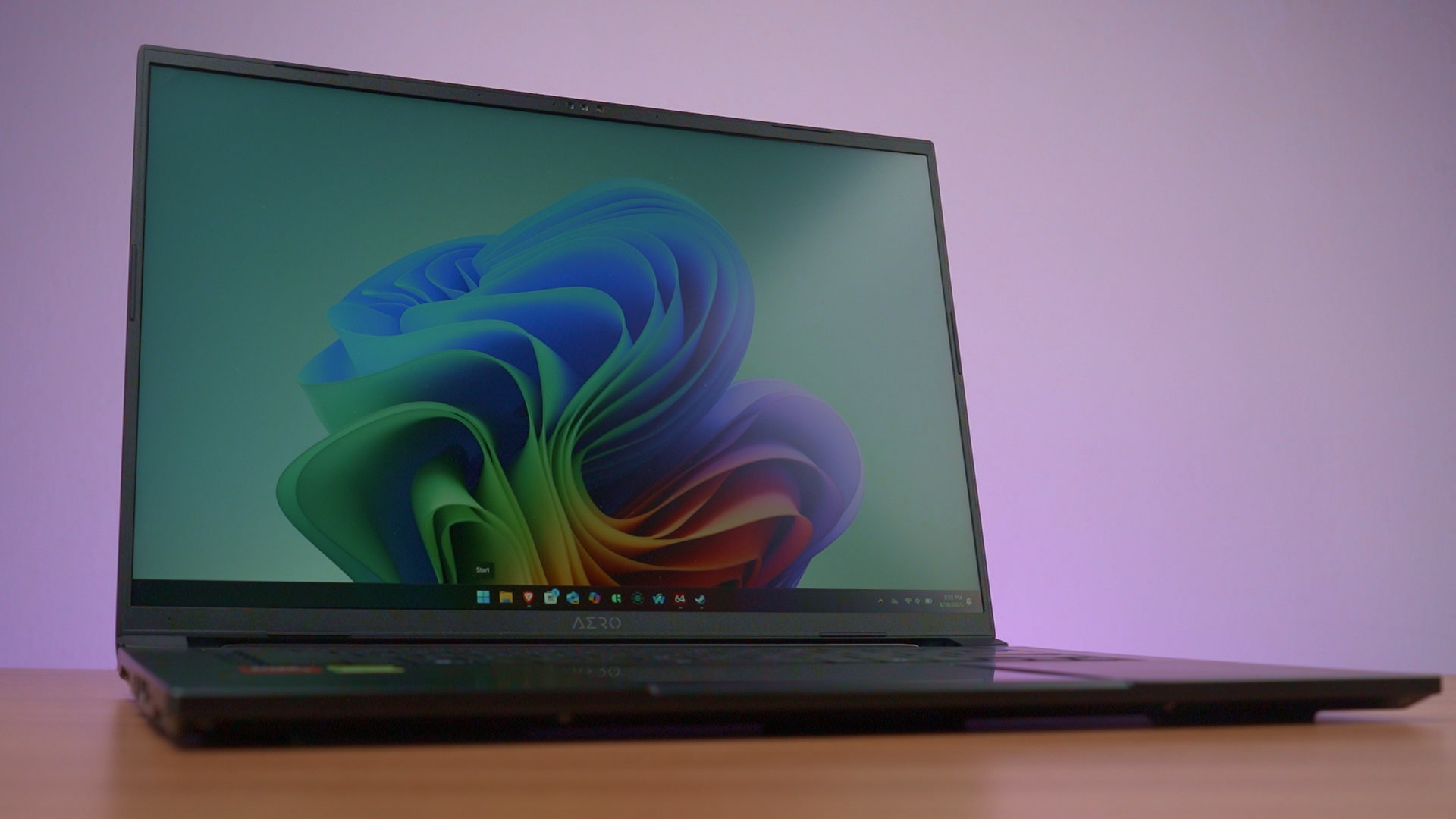
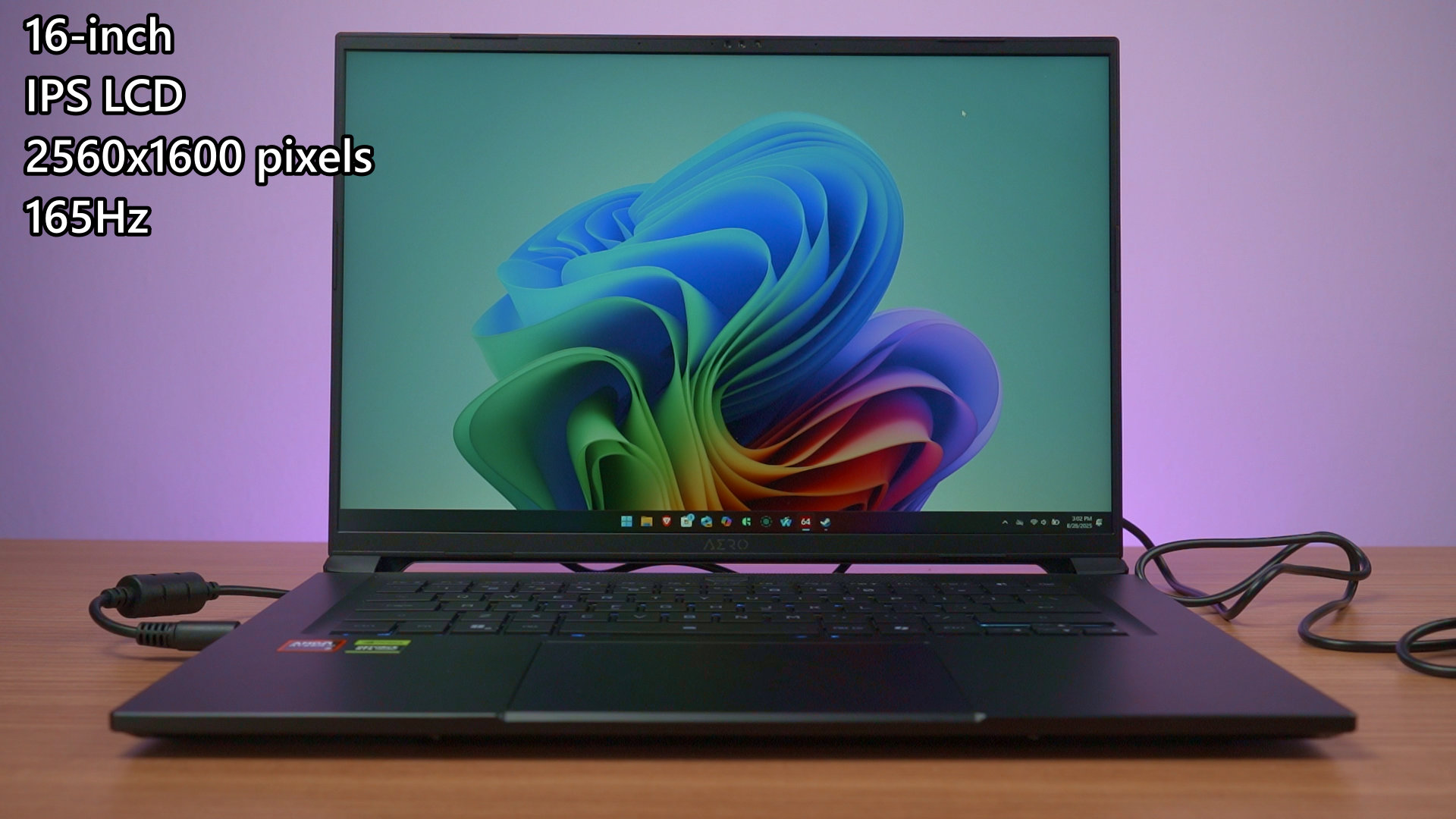
Opening up the lid reveals a massive 16-inch IPS LCD screen with a resolution of 2560×1600 pixels and also goes up to 165Hz refresh rate. It has thin bezels all around, and it looks absolutely stunning.
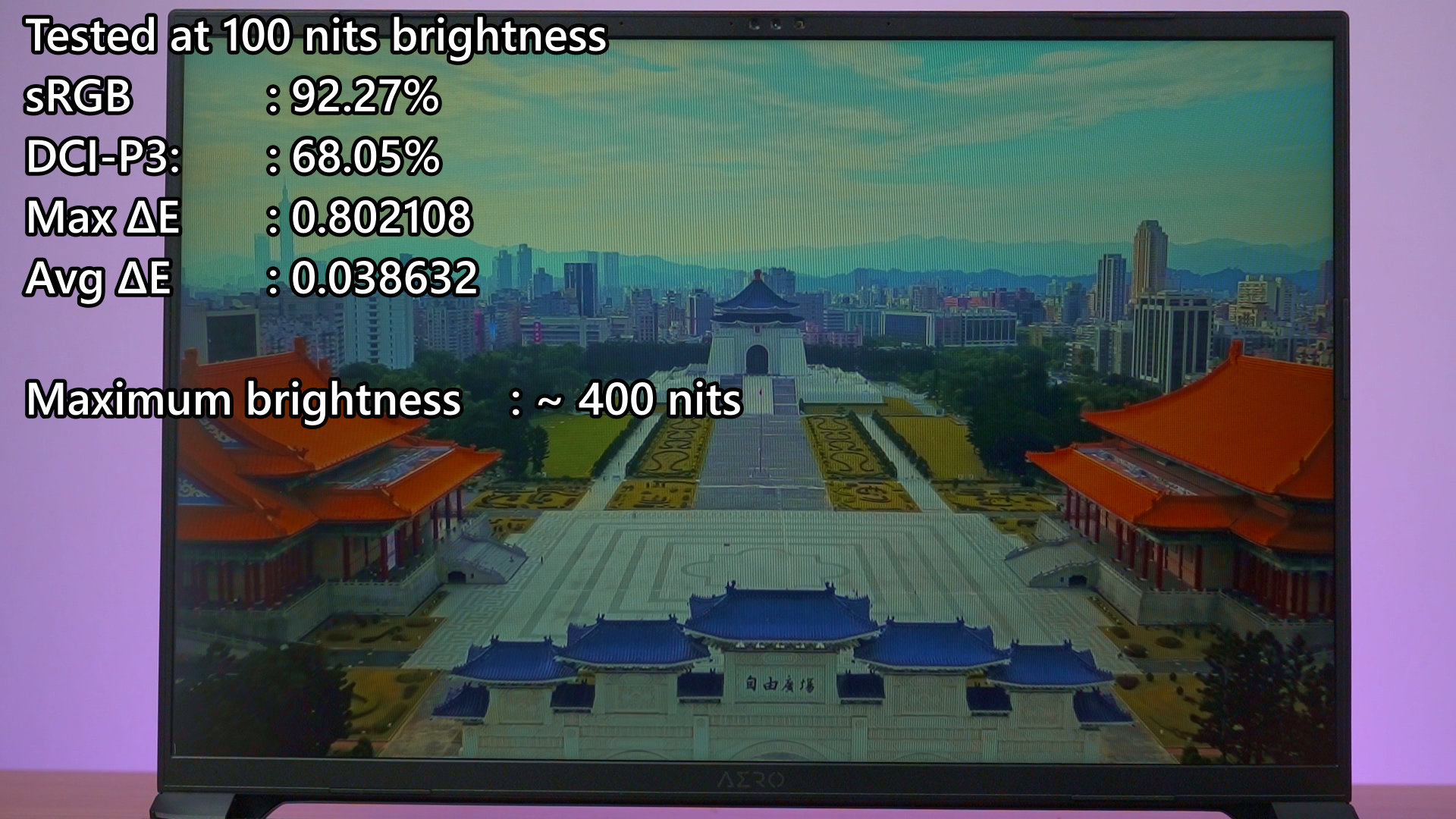
Using our colorimeter, we tested that it can achieve 400 nits in maximum brightness. Doing our colorimeter test, the display can get around 92.27% sRGB color gamut coverage. The ΔE number is also very low, and that’s great for content creators too.
Performance
Speaking of content creators, the specs of this laptop can be used for both work and play. It is powered by the AMD Ryzen AI 7 350 processor and also the NVIDIA GeForce RTX 5070 Laptop GPU, alongside 1TB of NVMe SSD and 16GB of DDR5 RAM, which we’ll talk about later.
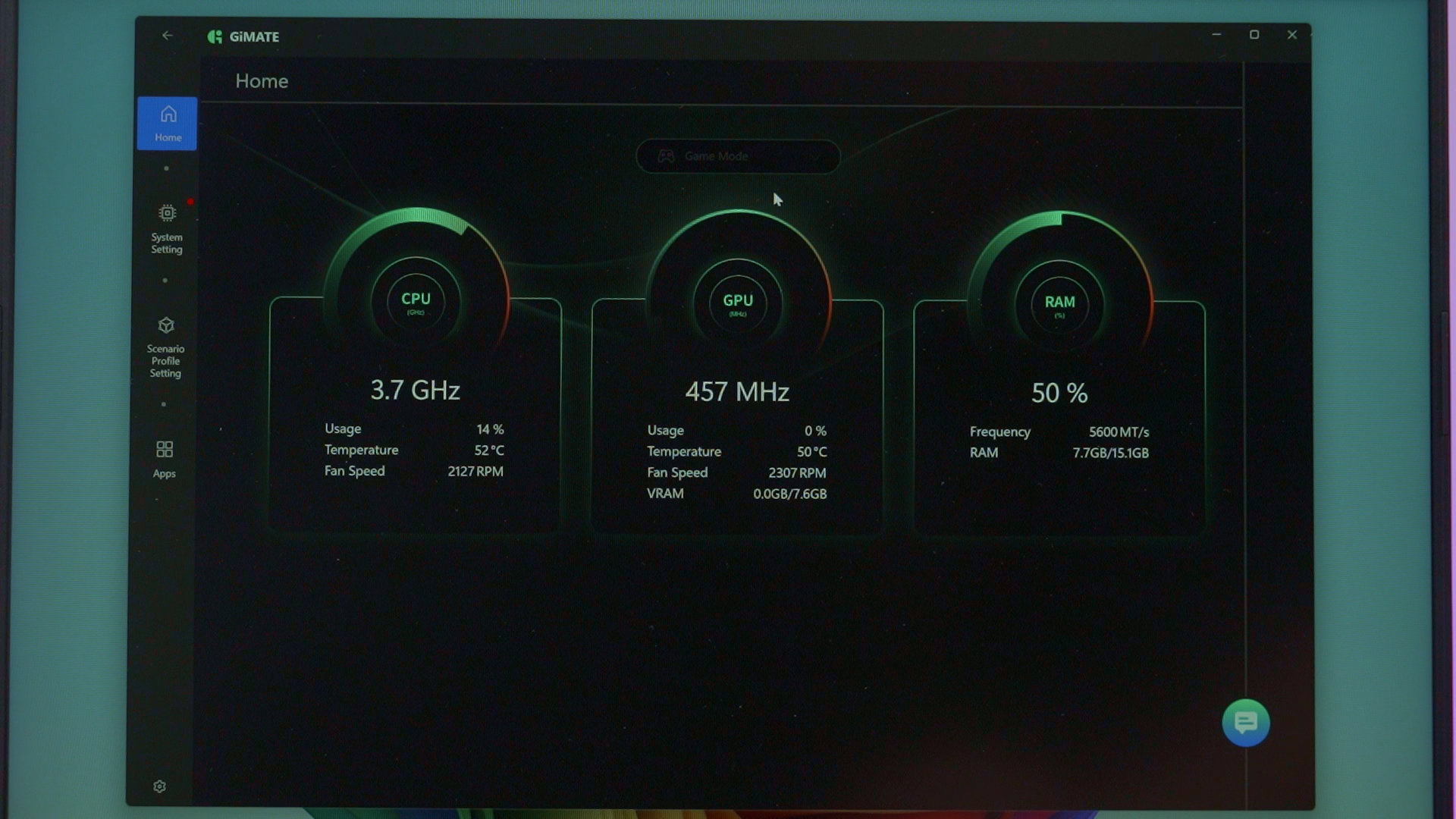
To handle the different power profiles, Gigabyte offers a new utility called GiMate, which allows us to select from several modes. We used Creator mode for creative work, and Gaming mode for gaming, of course.
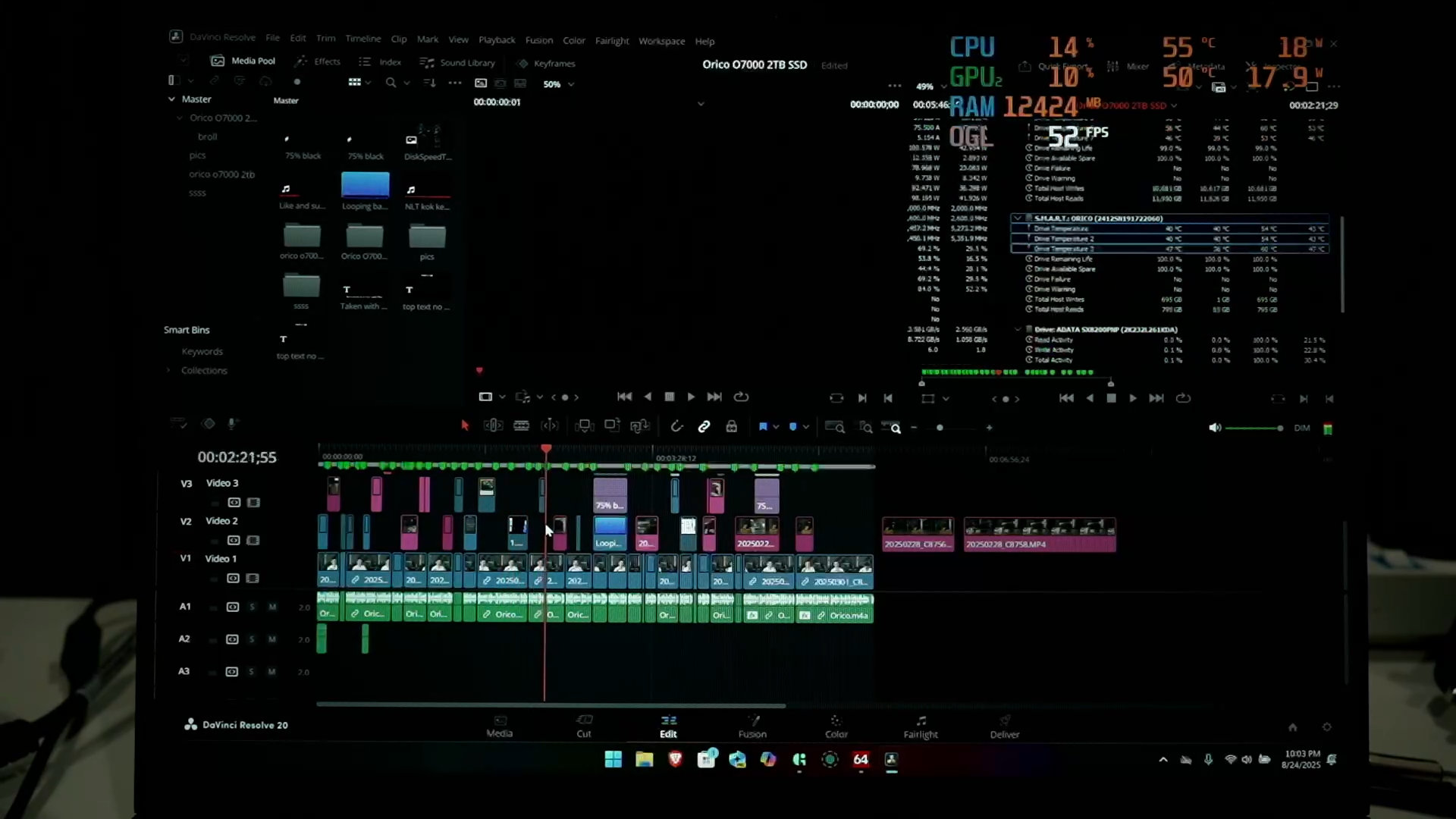
Let’s try out some video editing first. Using DaVinci Resolve, this laptop can scrub through footage fantastically, and rendering the 6 minute video took around 1 minute and 28 seconds. The amazing processor and GPU make video editing frictionless and can render videos really fast.
Now, when it comes to gaming, we can actually run games quite well. Of course, it depends on whatever game we’re playing. For Cyberpunk 2077, there are a few combinations of features to make games run at a higher frame rate – a la DLSS and Frame Generation, but we disabled Frame Generation, it can comfortably run at around 60fps with the Ray-Tracing Low preset with high-quality textures. It looks great and plays great, yet the fan noise is not particularly noisy.
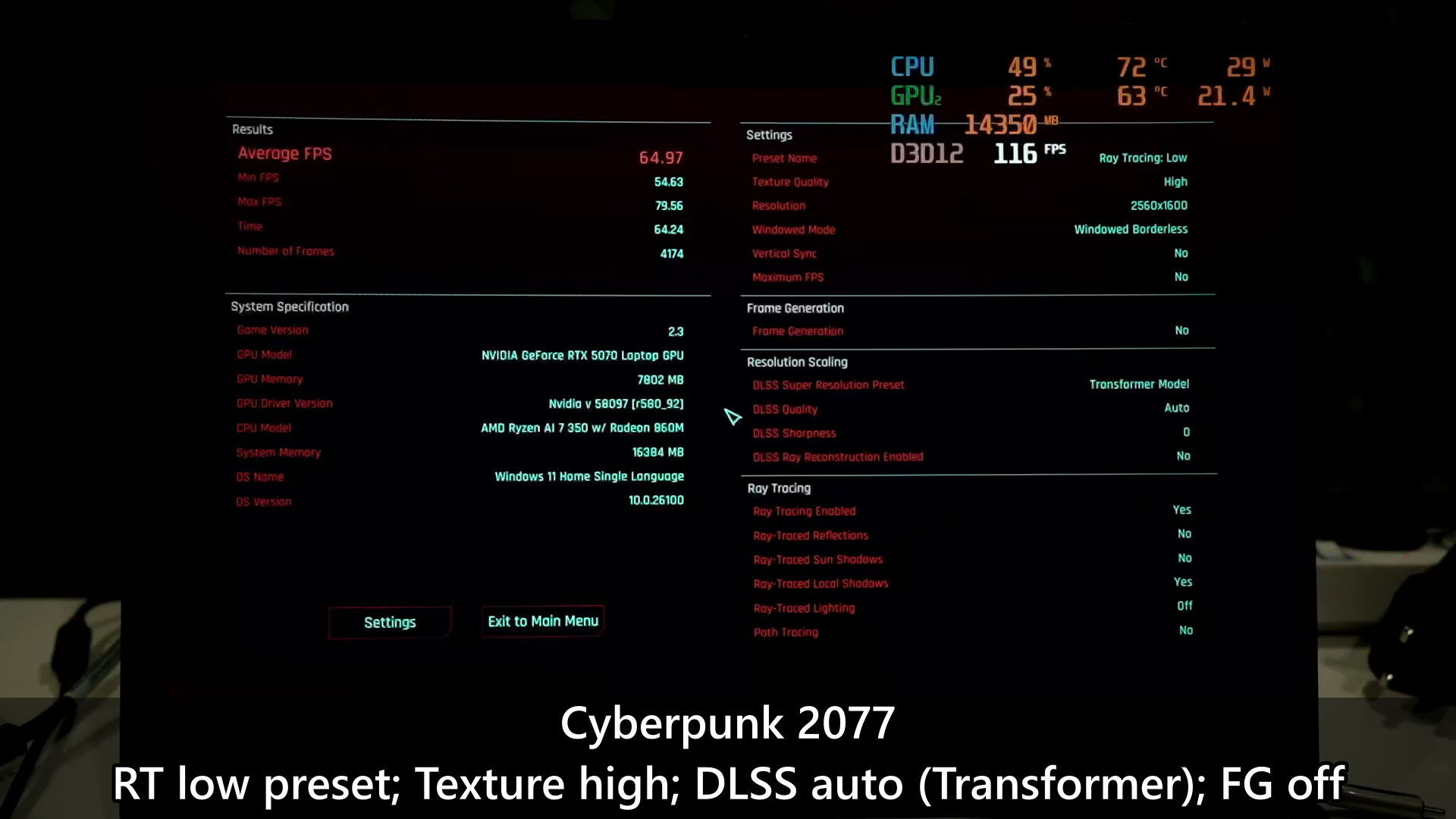
The temperature for both CPU and GPU is at around 75°C mostly, but the temperature does spike sometimes.
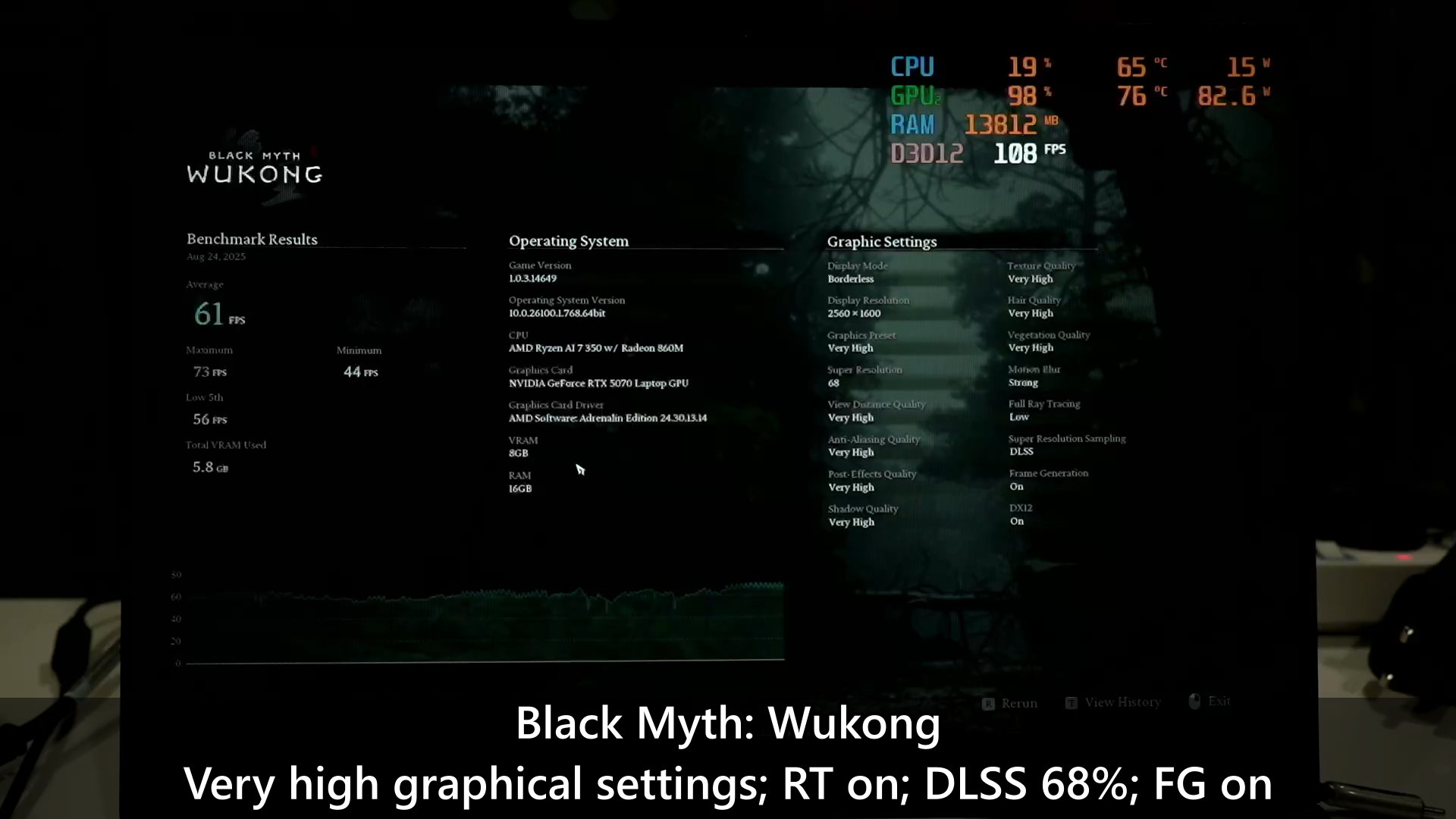
Black Myth Wukong will run fine with the very high graphical preset, ray-tracing at low, super resolution at 68%, and frame generation turned on. It can run around 60fps average, which is perfectly comfortable to play with.
Spider-Man 2 was a bit stuttery at first when we cranked it up to high graphical preset, DLSS at quality, low ray-tracing, and frame generation turned off. It ran fine, but there were some frame rate stutters, which I think is distracting as action games like this need to run smoothly.
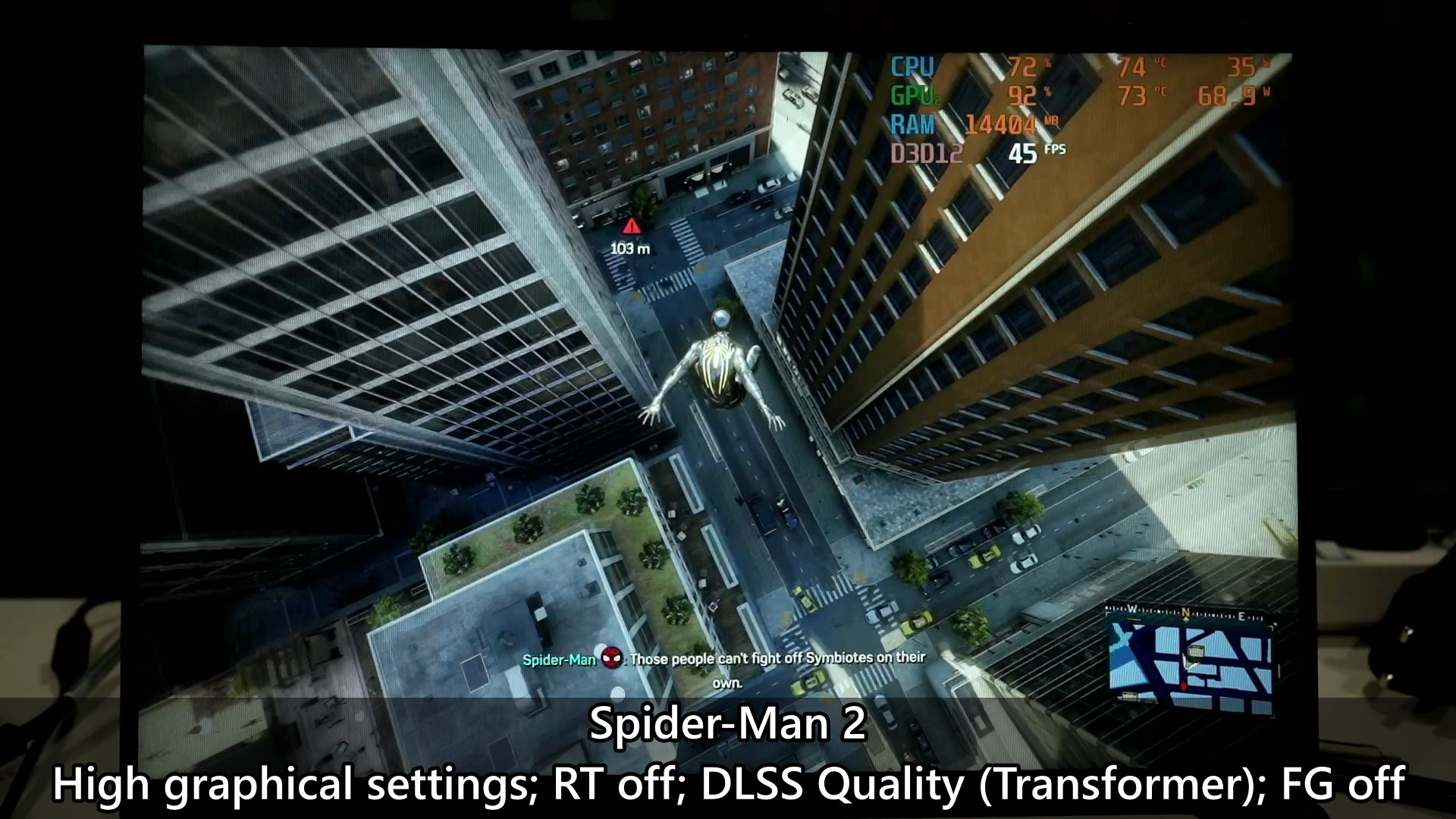
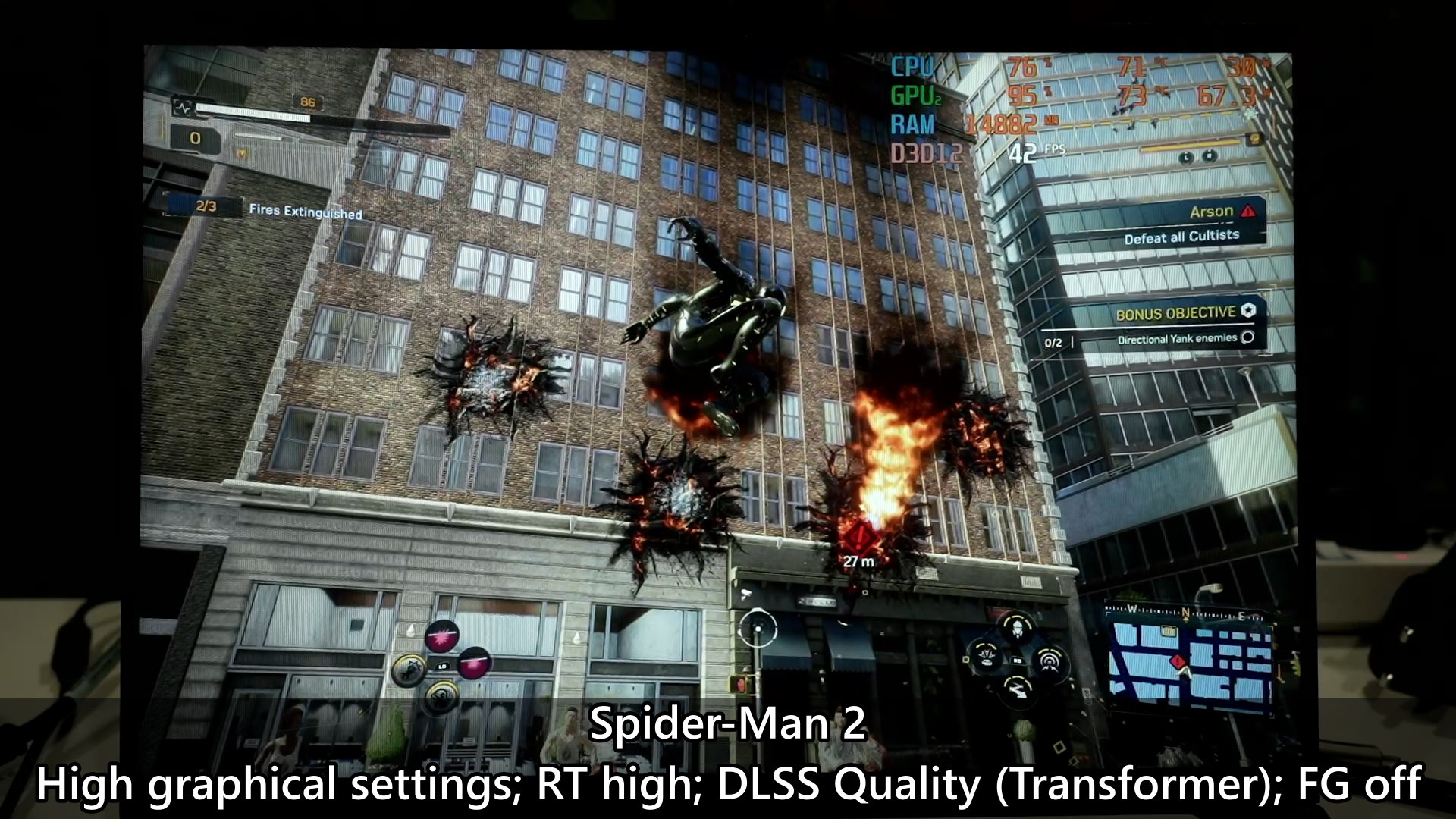
So, I disabled ray-tracing and the frame rate is consistently higher. Sure, we can fine-tune the plethora of graphical settings but that’s up to your personal preference on how you want to do it.
If you’re into gacha games, then Genshin Impact ran fine with no issues at all, Zenless Zone Zero is going to be really demanding and will have some frame rate drops here and there, but Wuthering Waves does have DLSS and Frame Generation too. We tested without Frame Generation, and it actually ran quite fine.
Keyboard
Now, the keyboard on this laptop is actually quite good. Despite being a 16-inch laptop, it does not have a number pad – and I like it this way as the typing zone is centered. The keys have a satisfying travel distance and spring as well, and I had a good time typing on this keyboard.
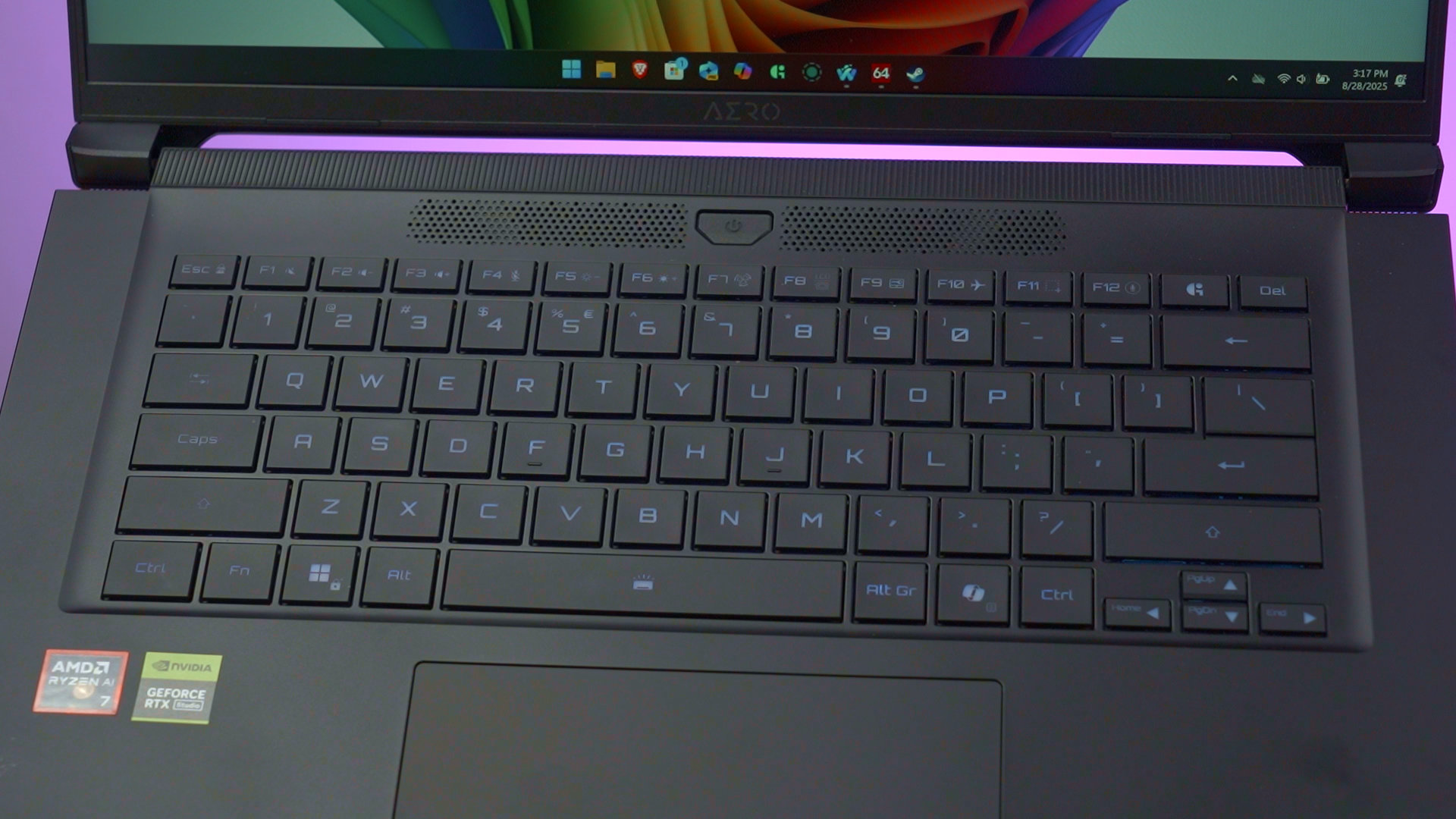
The big power button is placed above the entire keyboard which does seem weird but it is out of the entire typing zone – so there’s really no way to accidentally press it.
Trackpad
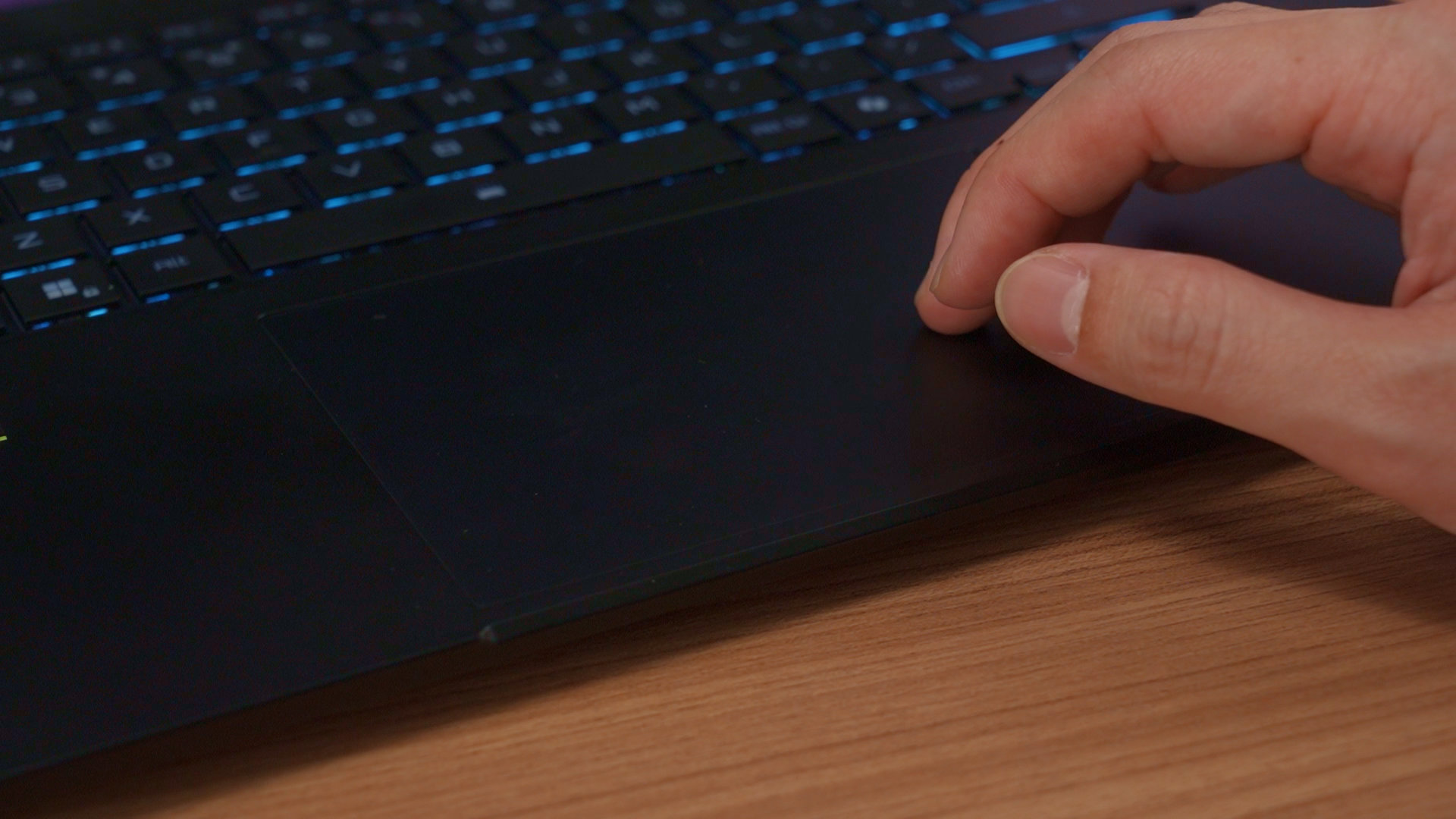
The trackpad is surprisingly large and smooth as well, and I don’t have any complaints while I need to use it to do some work. But I think most people will never use this when gaming anyway.
Ports
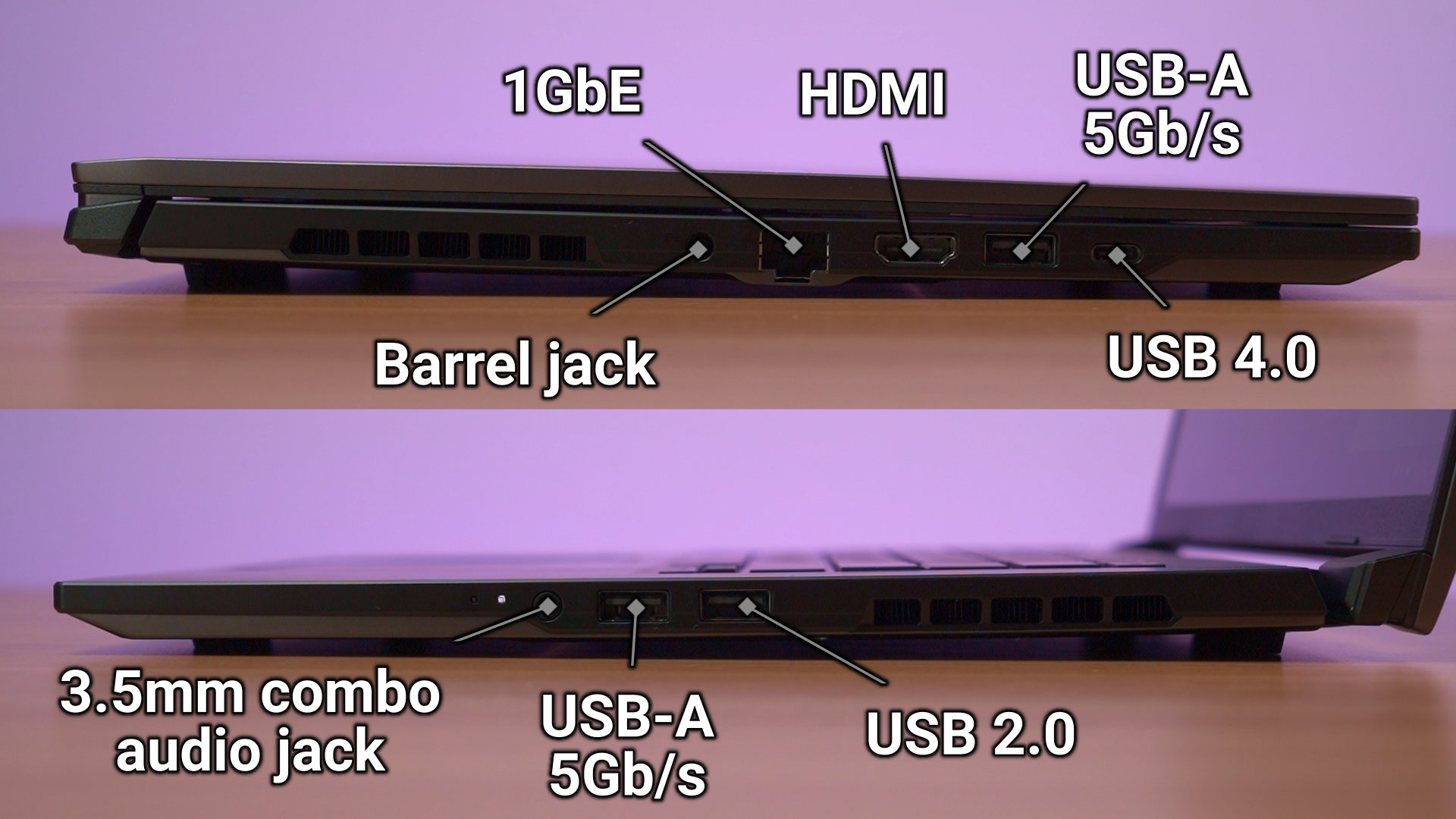
As for the ports, we have a lot of them here. There is a good selection available, though there is only one USB 4 port on the left side. That is my only qualm with the ports on this laptop. Otherwise, it’s great.
Battery life
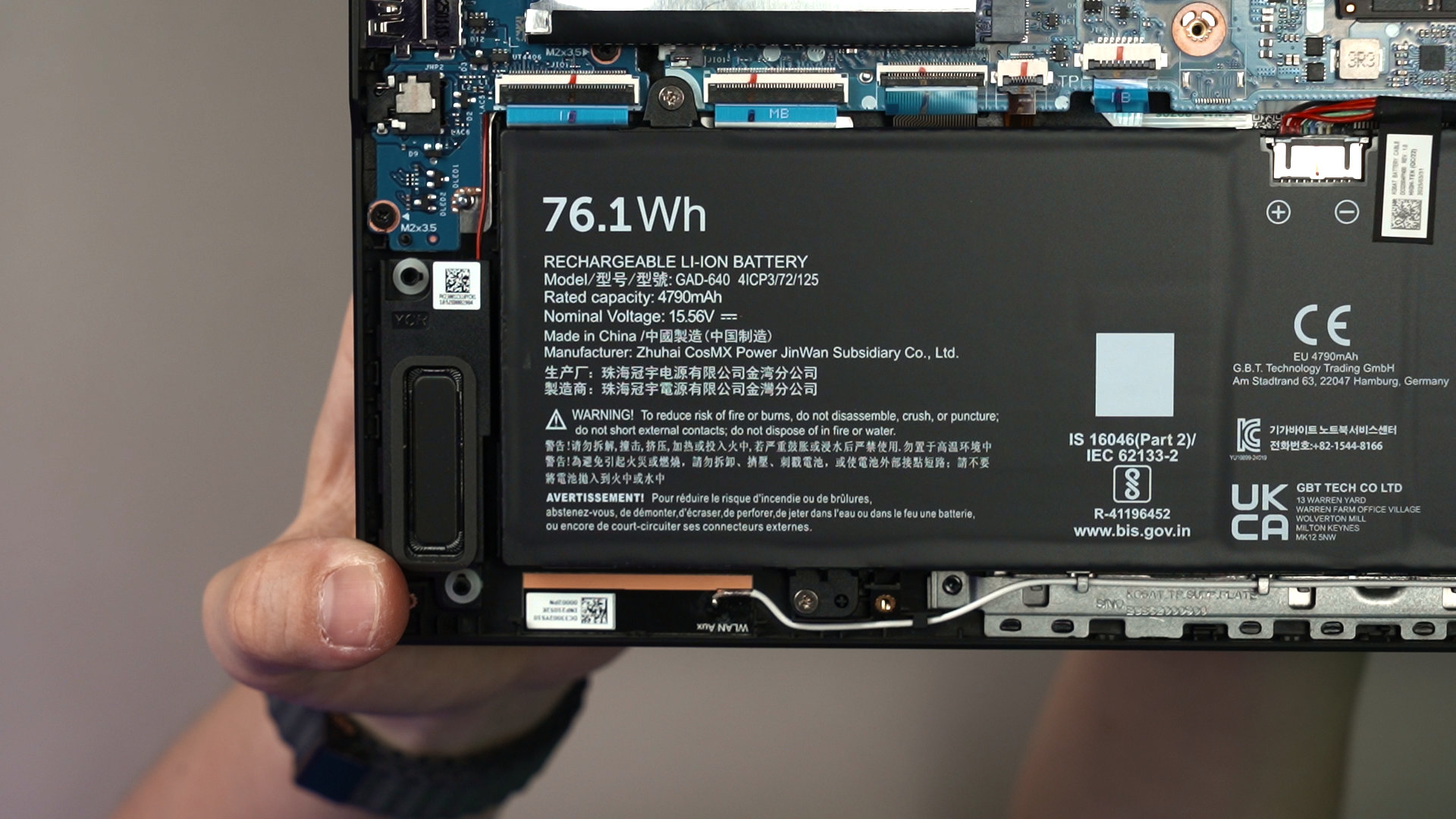
As for the battery life, there is a 76Wh battery inside and it lasts around 5-6 hours while doing our work of scripting videos, web-browsing, and also YouTube videos in the mix. This is a decent number we can practically still do work while we’re out and about, and start playing games when we plug it into the charger.
Upgradability
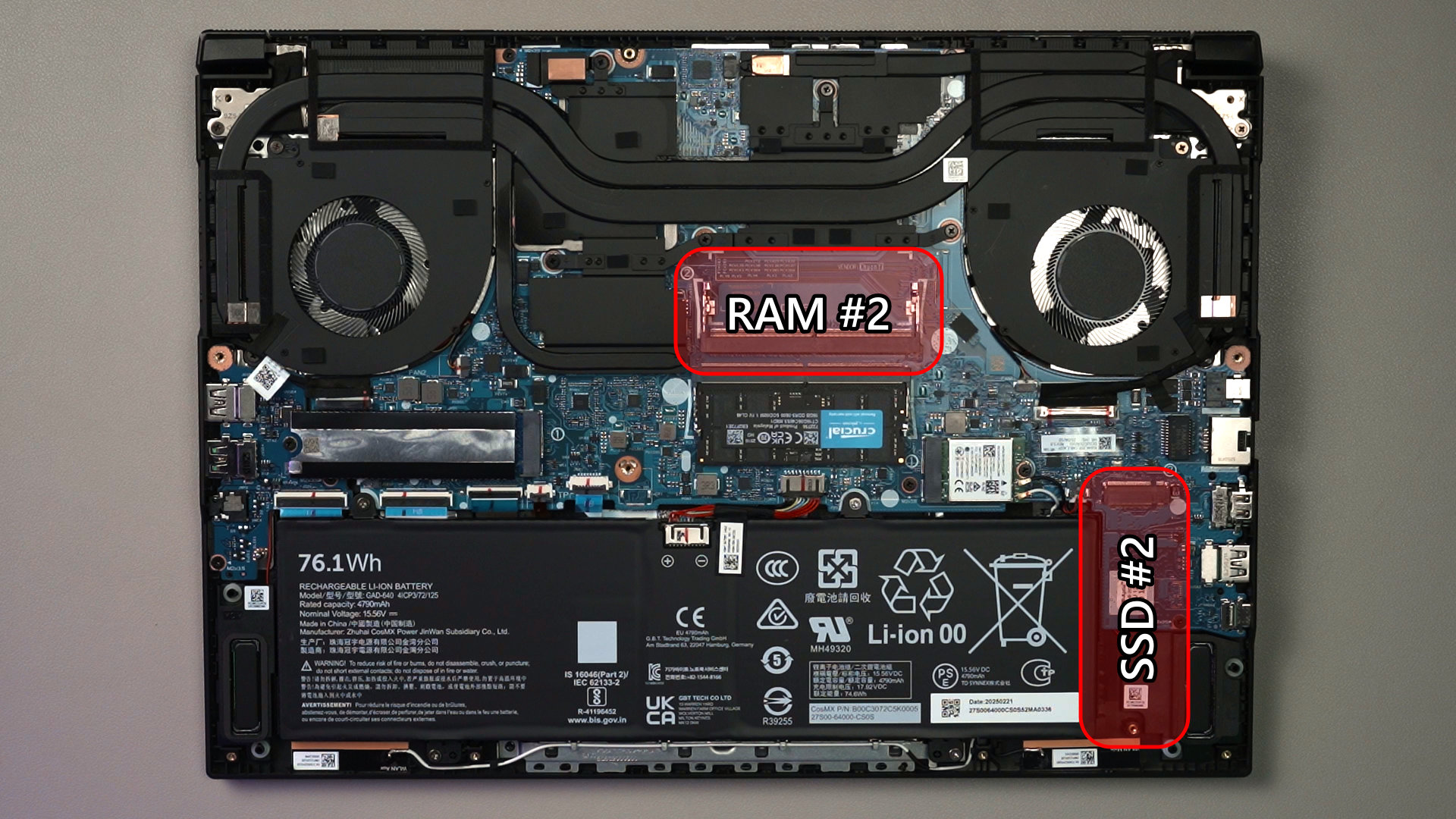
Opening up the laptop is actually very easy. Just a few screws, and the back panel can be popped off. We can then see there is another DDR5 SO-DIMM RAM slot that is unoccupied, and another M.2 2280 SSD slot at the far side of the motherboard that is unused as well.
So, we can technically add more RAM and another M.2 2280 SSD down the line whenever we want.
Should you buy the Gigabyte Aero X16?
So, if you’re looking for a thin and light laptop, this Gigabyte Aero X16 should be on your list. This laptop is priced at RM7,299 and again, you’re getting an amazing screen, great performance with the AMD Ryzen 7 AI 350 with NVIDIA GeForce RTX 5070 Laptop GPU alongside 16GB RAM, while having a decent battery life and great aesthetics to match.
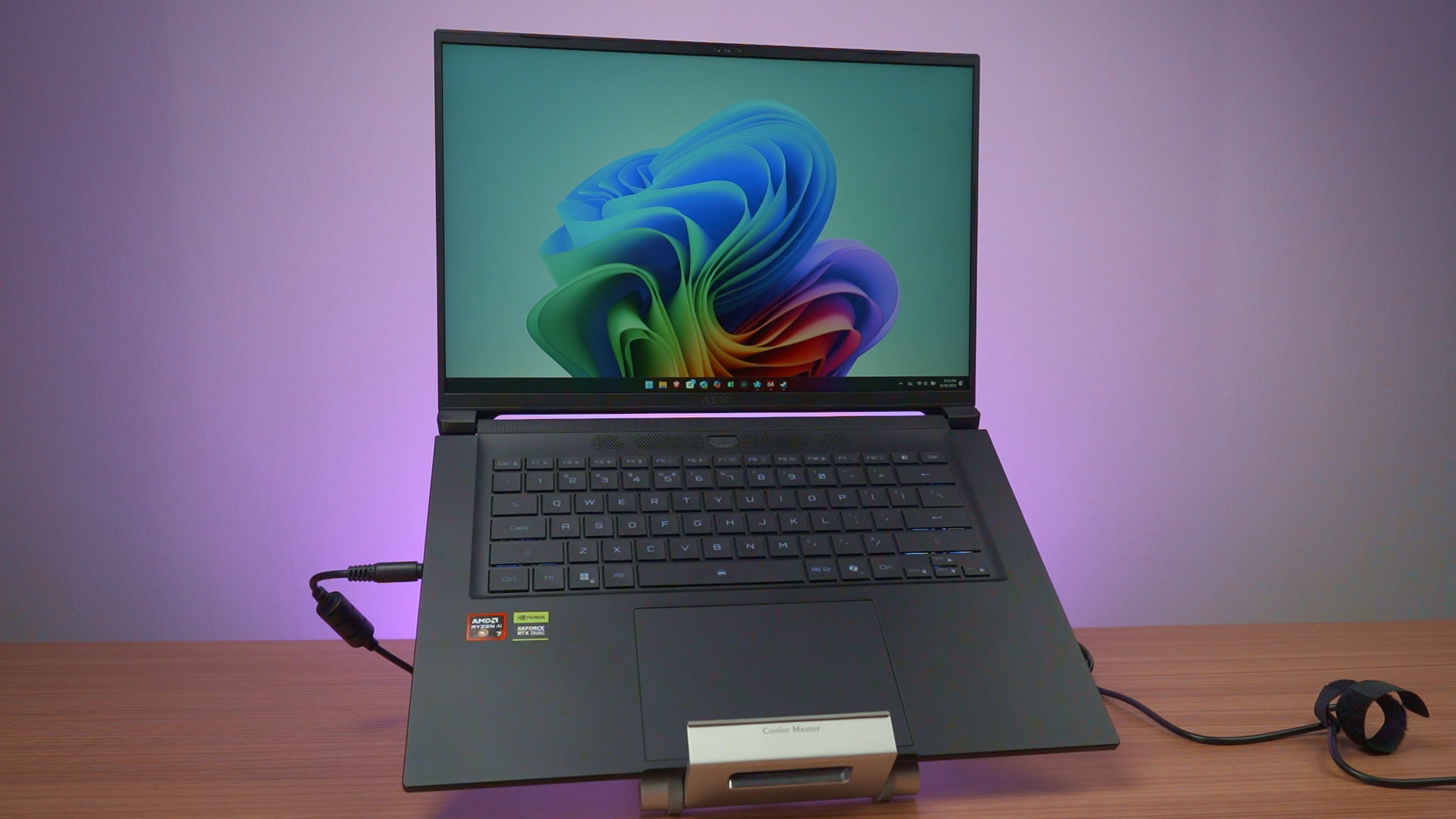
There is another variant at only RM6,199, which has the exact same specs except that the GPU has been swapped out for the NVIDIA GeForce RTX 5060. Both variants are great, but it essentially depends on what kind of specs you want.
Where to buy? (Affiliate links)