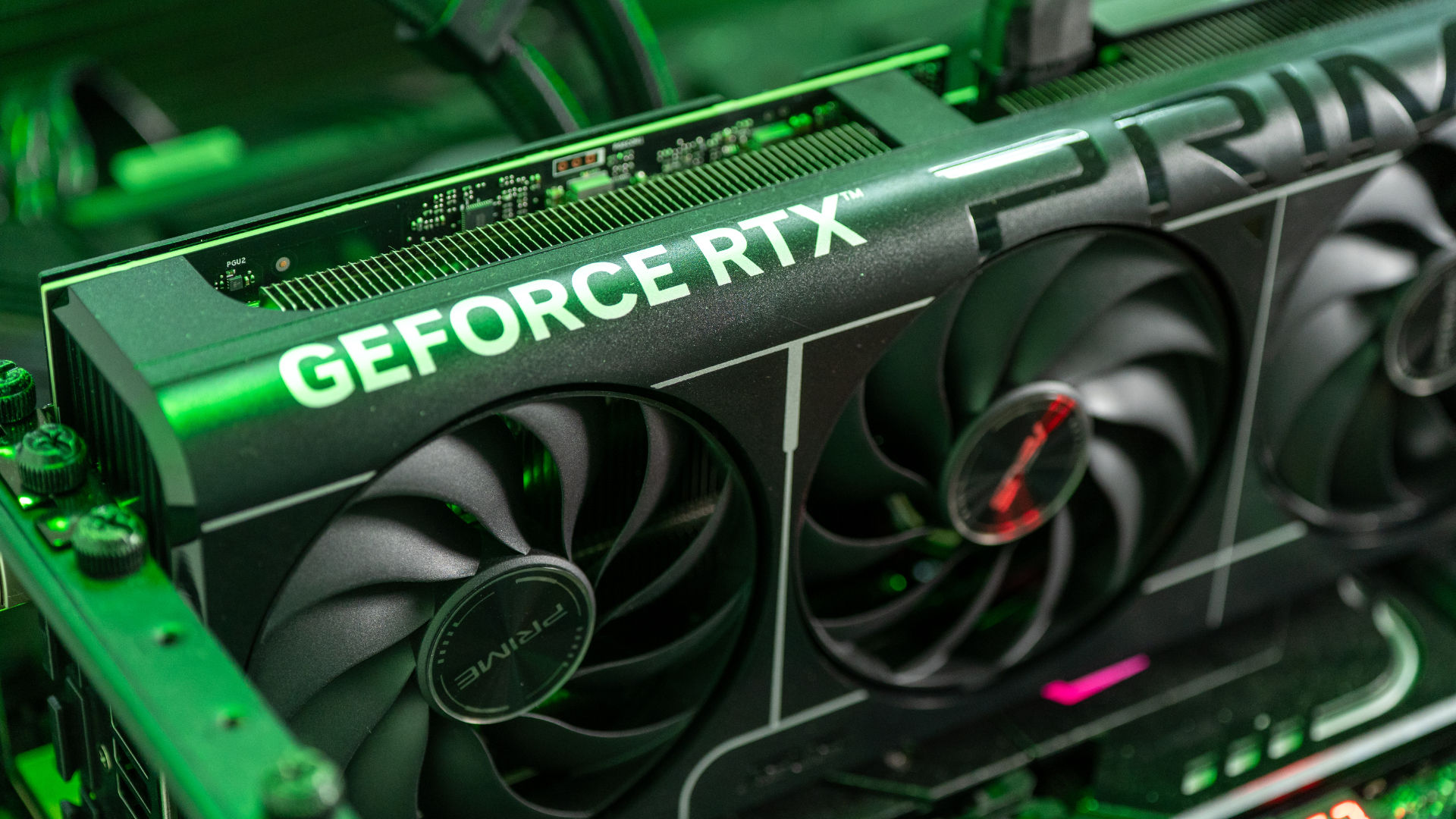
There are a lot of technologies packed in our graphics card these days. The latest NVIDIA GeForce RTX 50-series has DLSS 4.0, which also supports a new feature called multi-frame generation. It is basically DLSS 3’s frame generation technology but instead of just generating one extra frame, it can now generate 3 more. It’s all done via AI – and this is actually a technological marvel. Let’s find out with the help of ASUS Prime GeForce RTX 5070 card we have set up on our test bench.
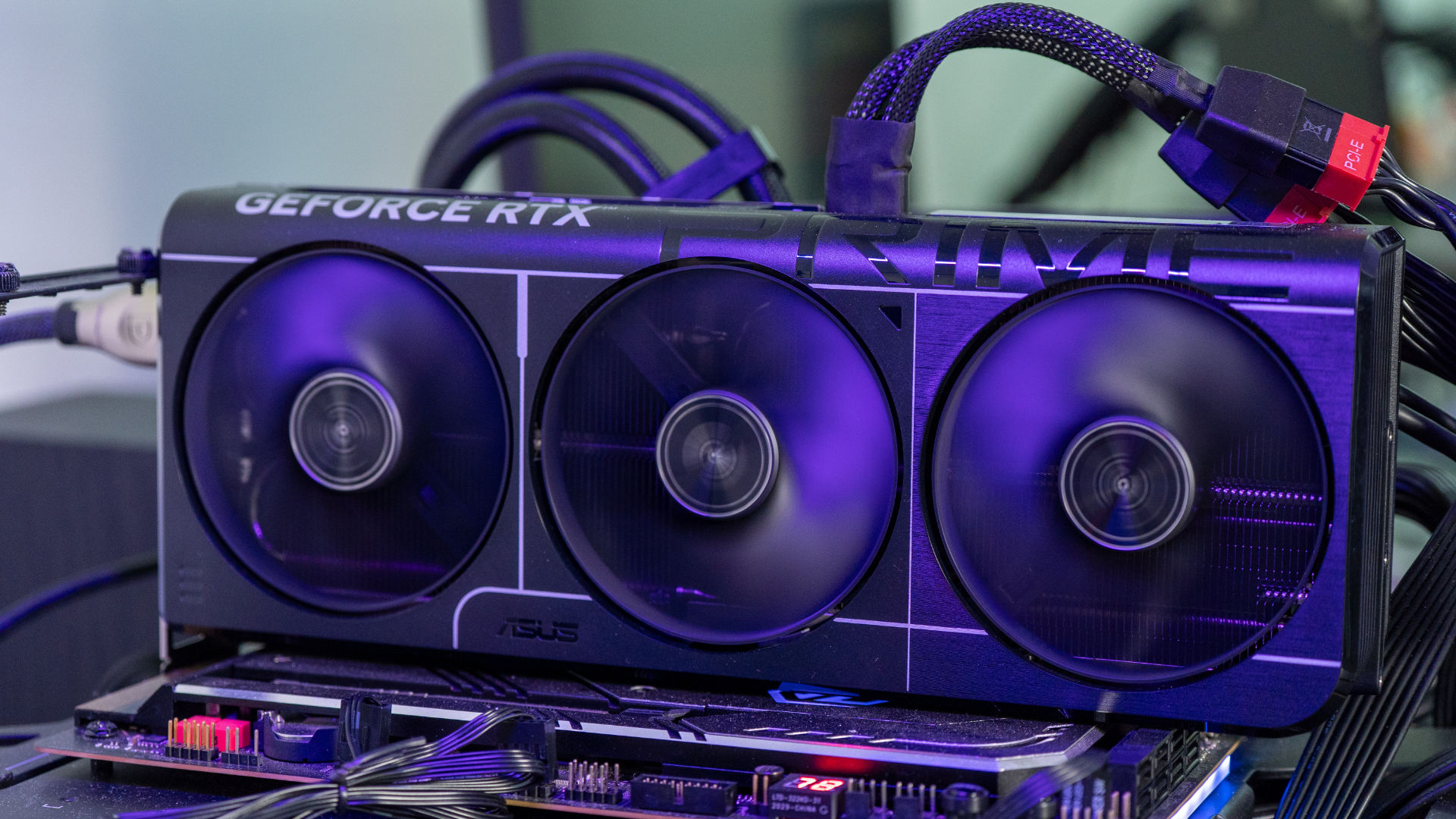
ASUS Prime GeForce RTX 5070
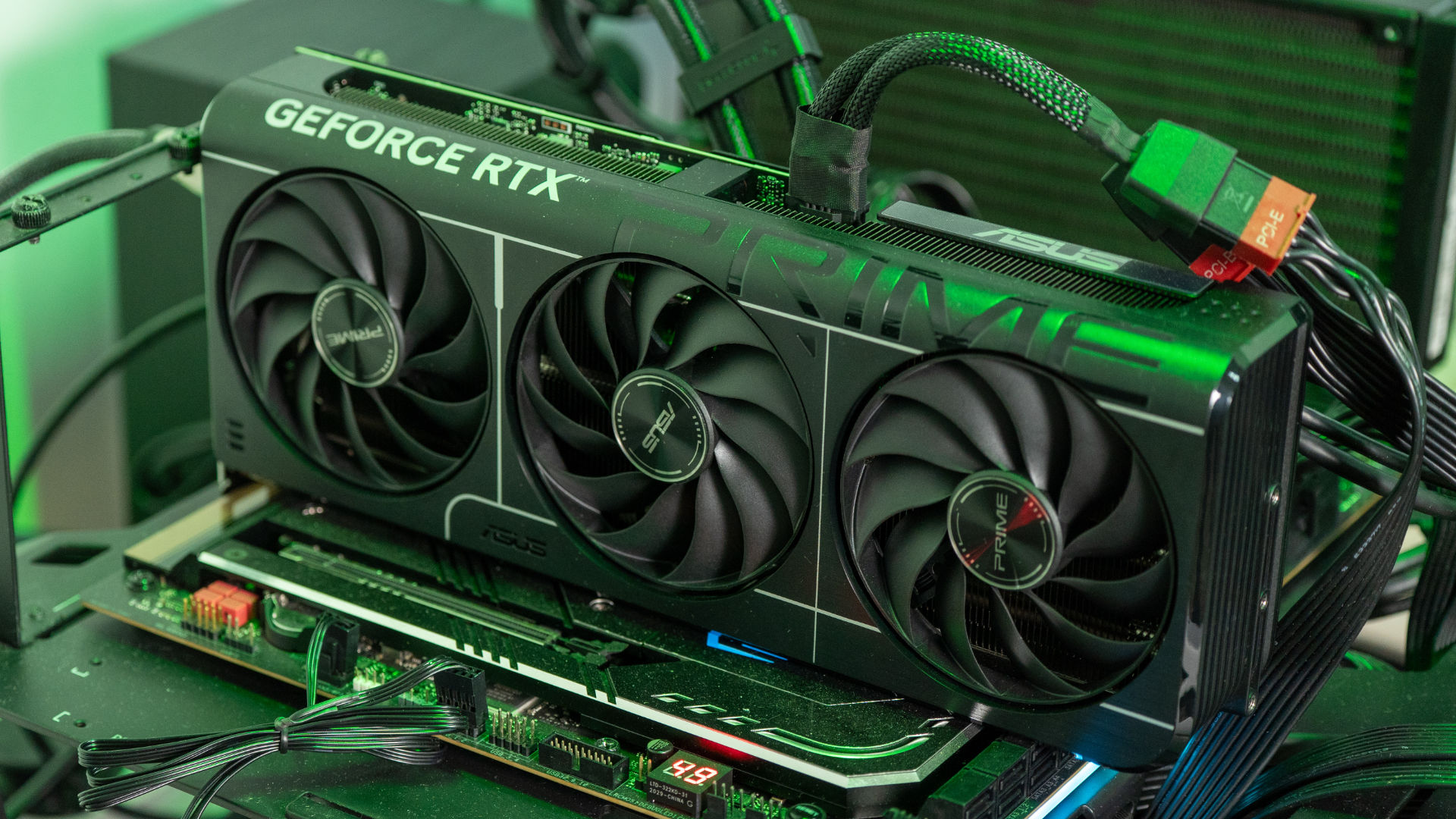
The ASUS Prime series, including the RTX 5070, offers significant advantages for PC builders. A key benefit is its SFF-Ready 2.5-slot design. This makes it highly compatible with smaller form factor cases without sacrificing cooling. This compact design is paired with a robust cooling solution. It features triple Axial-tech fans, a phase-change GPU thermal pad, and a vented backplate. These elements ensure optimal heat dissipation and quiet operation, even under heavy loads.
Beyond their robust build and efficient cooling, ASUS Prime graphics cards boast a clean, minimalist aesthetic. Their understated look appeals to users who prioritize a unified and professional appearance for their PC. Complementing this, user-friendly features like Dual BIOS offer flexible performance or quiet modes. The comprehensive GPU Tweak III software provides exceptional control over the card’s performance and monitoring. These advantages make the ASUS Prime series a compelling option for a wide range of users, especially those aiming for a balanced, high-performance, and visually cohesive system.
NVIDIA Multi-Frame Generation
At a glance, NVIDIA’s multi-frame generation in the GeForce RTX 50-series GPUs is a form of frame interpolation. It adds extra frames between the keyframes, making it look smoother with a high refresh rate. The big problem with traditional frame interpolation is that it’s just difficult to do it in real-time.
TVs tried to do it with something called motion smoothing (different brands have different names) and everyone will urge you to disable this feature. It makes whatever you’re watching look choppy since it will abruptly increase the frame rate when it can interpolate the frames, but will then slow down if it can’t. There are way too many videos telling you how to disable it. Even Tom Cruise made a PSA video to tell you that you should turn it off!
As our computers get more powerful, some apps also utilize AI to do frame interpolation too, just like NVIDIA’s DLSS. If you’re on the internet long enough, then I’m sure you’ve seen those “60fps anime” that looks like a bunch of ugly smears. There is one app that can render videos with AI frame interpolation, and render out as a video file. That app is called Flowframes.
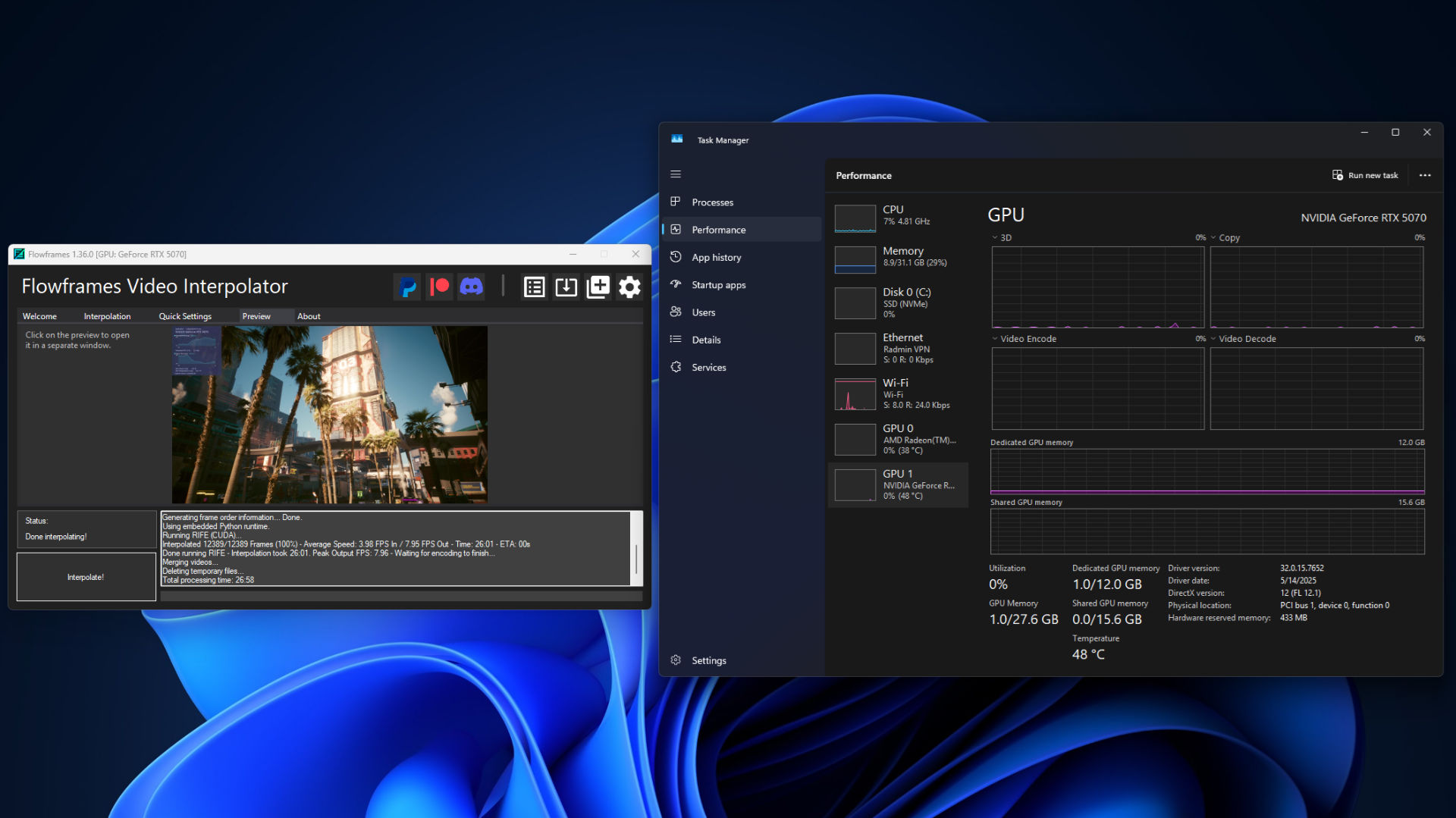
Essentially, this app accepts a video file, allowing us to choose the type of AI model we want to use for frame interpolation and the degree of interpolation. For this example, I have recorded footages of Cyberpunk 2077 at maximum graphical settings, DLSS Quality, and turned on all the ray-tracing features – but Frame Generation turned off. It’s running on an ASUS PRIME GeForce RTX 5070 12GB GDDR7 OC Edition, connected to a 1440p monitor.
Here, we can see that the frame rate running on the PC without any frame generation is definitely on the low side. When we put the entire video in Flowframes and used 2x the frame rate via the latest RIFE AI model, it took 27 minutes to render a 3 minute gameplay footage. No joke, 27 minutes.
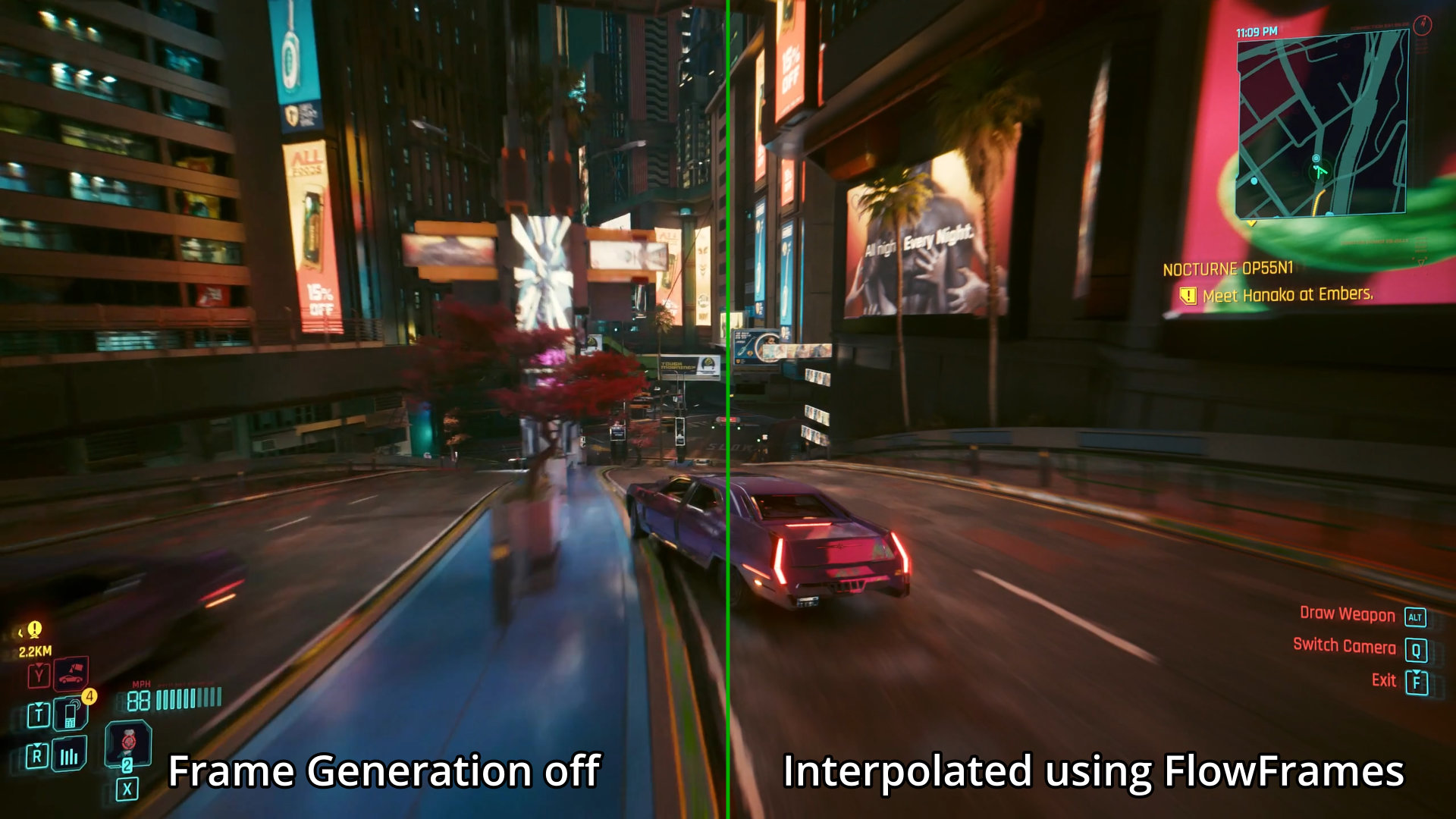
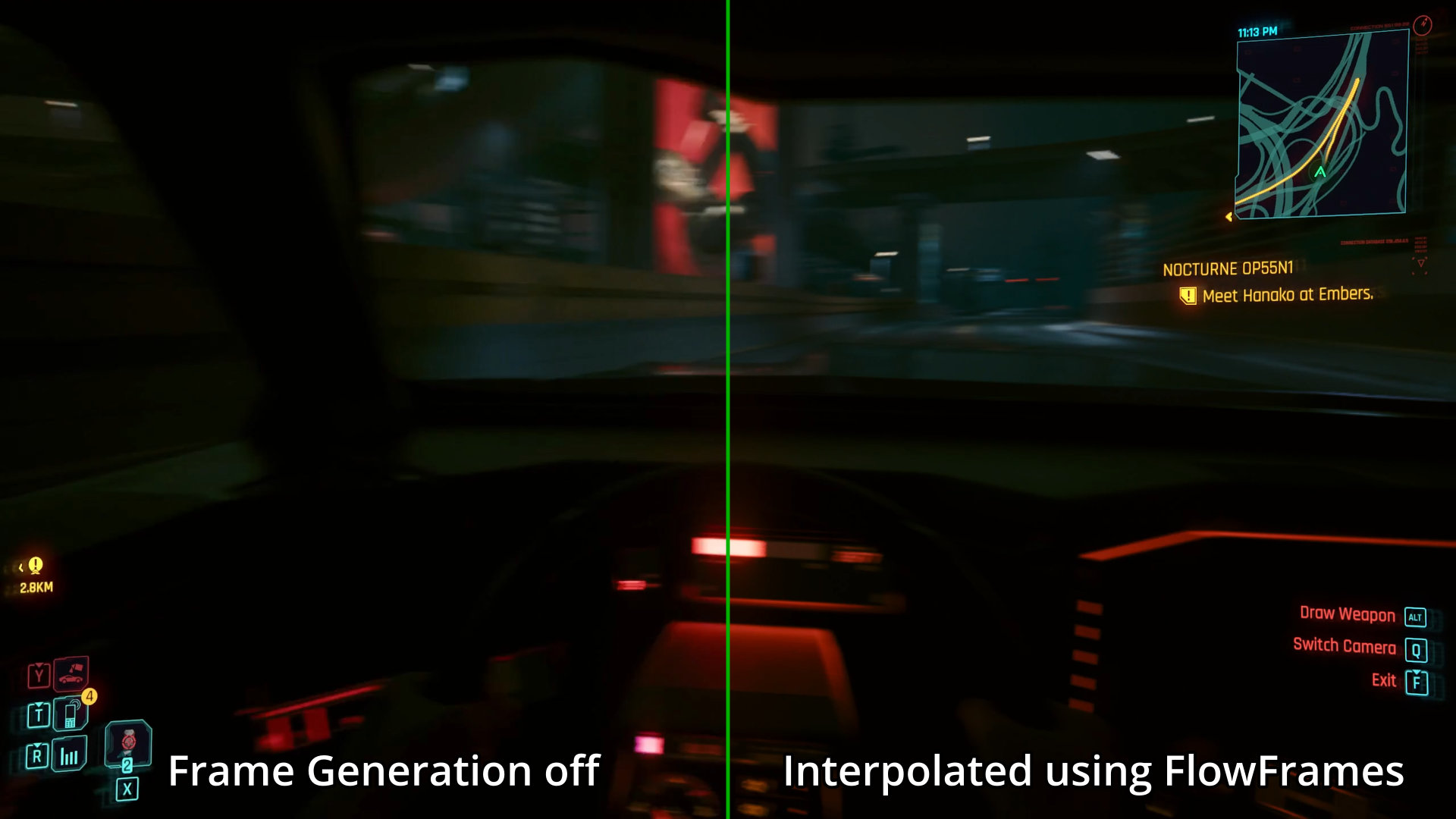
The result is definitely good as we don’t see any major artifacting when compared to the original video, but the main point is that it took 27 minutes to render.
And this is where NVIDIA’s AI magic comes into play. When we enabled 2x frame generation in Cyberpunk 2077, we just had to restart the game. We don’t have to wait 27 minutes for it to render a 3 minute video. We don’t actually get 2x the frame rates compared to what we had before, but it’s close. We increased from about 25fps to 42fps. But, 2x frame generation was available since the GeForce RTX 40-series and it was able to do 2x frame generation in real-time already.
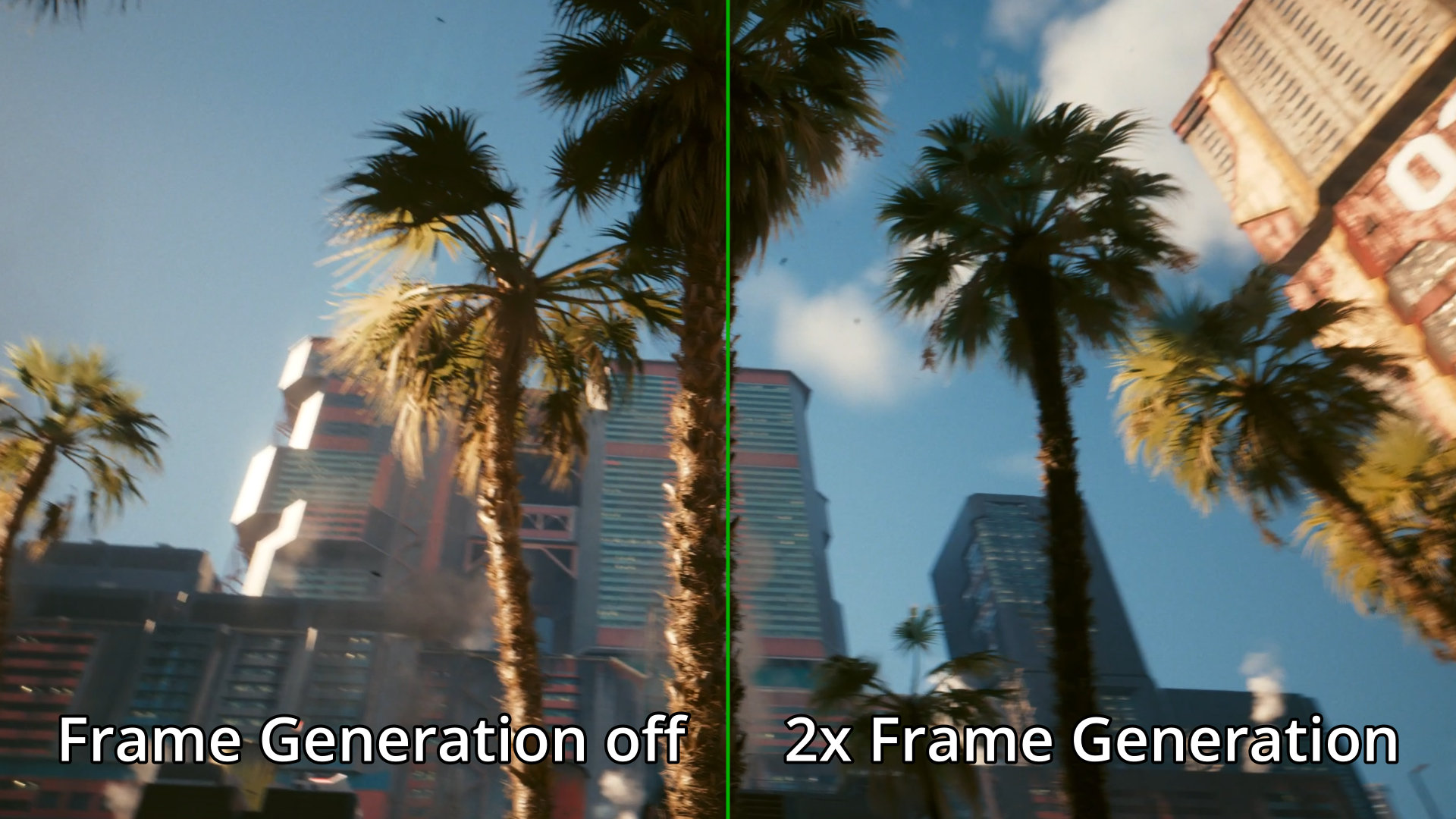
The latest multi-frame generation technology on the GeForce RTX 50-series takes things even further. We can now select to interpolate 3x or 4x the frames and everything is still done in real-time. For this particular scene, we can get around 65fps and 86fps respectively – that’s a really significant boost from the original 25fps! And all we did was turn on 4x multi-frame generation.
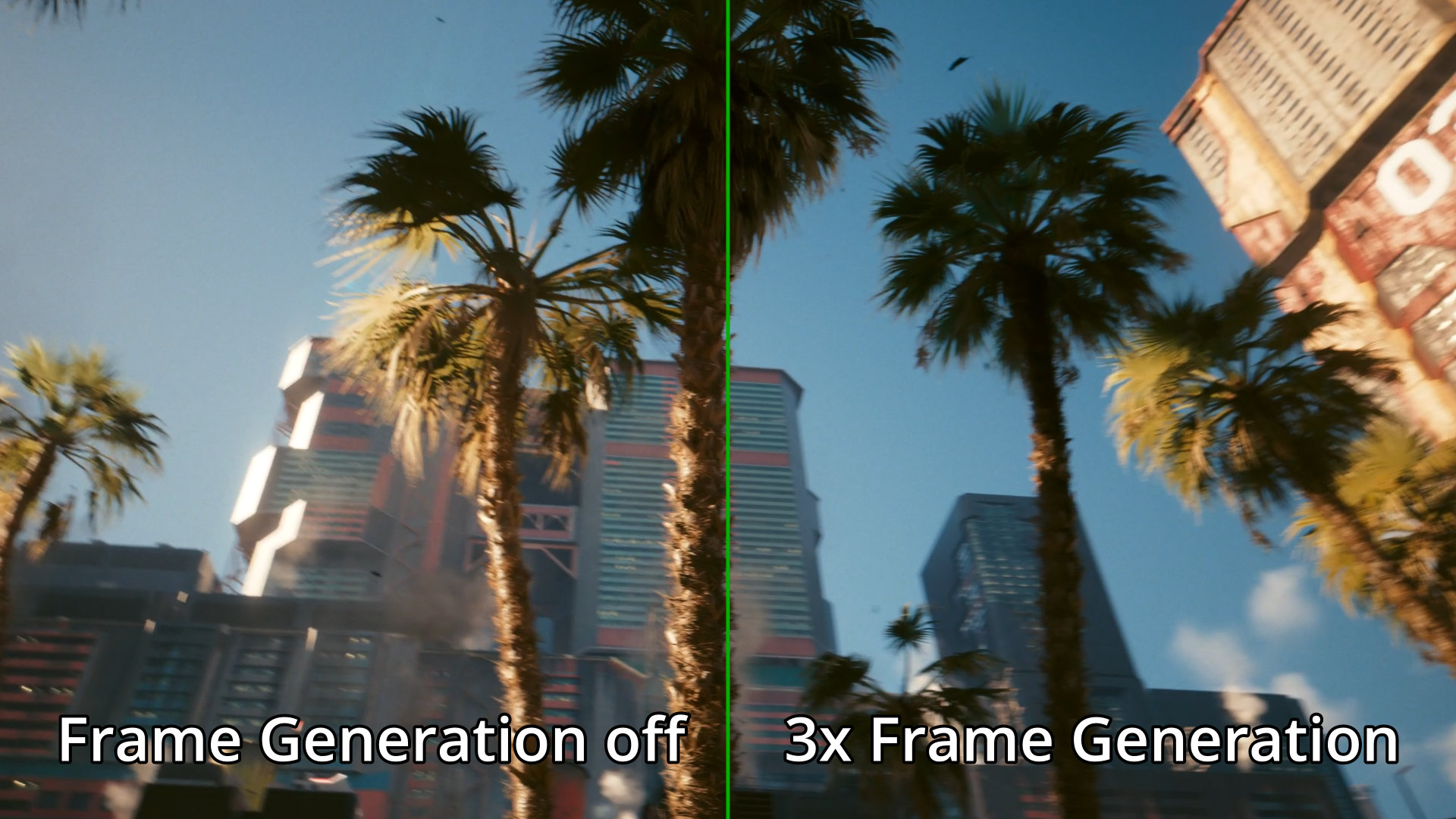
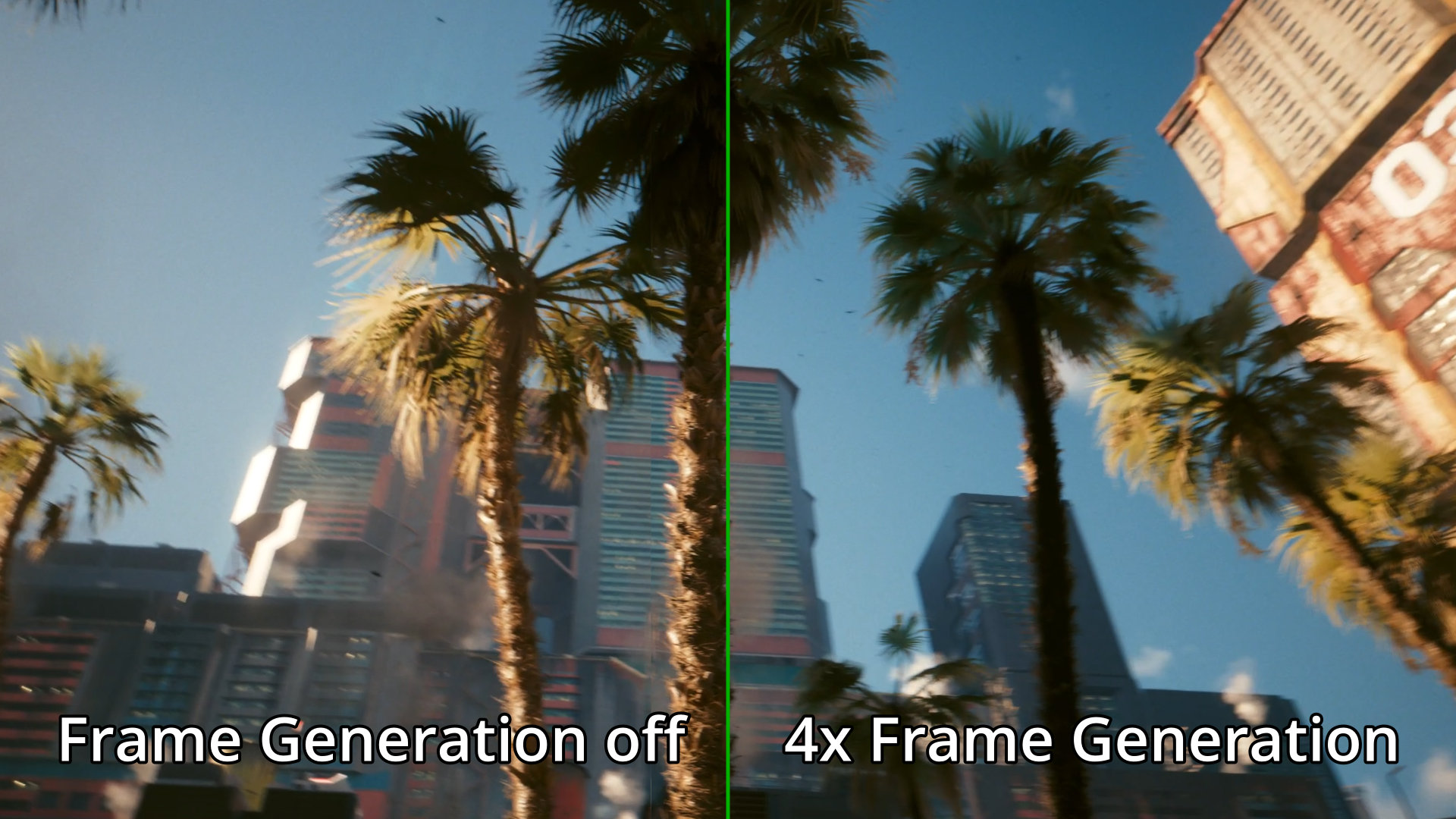
However, the more frames we want it to generate, the more likely it is to have some artifacts. It could be some smearing or jumbled-up fast-moving texts or just random graphical glitches. It is a known side effect of frame interpolation in general. Do keep in mind that the NVIDIA GeForce RTX 50-series is doing all these multi-frame generations in real-time. There is no waiting around for a buffer load.
Now, there is a caveat for turning on the multi-frame generation, and that has to do with the input delay. It tries to do everything as real-time as possible, but it’s still impossible – at least for now. Our inputs will feel like the game is slow to respond, and that is much more obvious in high-octane action games and also fighting games. For that, we need NVIDIA Reflex, but that’s a topic for another day.
Ever since NVIDIA introduced DLSS 1.0, it has revolutionized the way games are made and played. Rival brands are also developing their own versions of these technologies, and even mobile games are going to utilize it too. These technologies are here to stay, and they’ll only get better over time as AI models get better by the day.